Your POS system collects a goldmine of data every single day, but are you able to use it? When your payment processing is separate from your sales system, getting a clear view of your business can be difficult. You’re left guessing about your most profitable menu items, your busiest hours, or your top-performing servers. A restaurant POS with integrated payment processing brings all that information together in one place. It transforms your daily transaction data into actionable insights, empowering you to make smarter, data-driven decisions that reduce waste, optimize staffing, and directly improve your bottom line.
Key Takeaways
- View your POS as your restaurant’s command center: A modern system does more than process payments; it integrates your orders, inventory, and customer data into one place, creating a smoother workflow for your entire team.
- Make security a non-negotiable: To protect your business and build guest trust, choose a PCI-compliant system with built-in security features like encryption and tokenization that keep sensitive payment information safe.
- Find a system that fits your budget now and your goals later: Look for transparent pricing that covers all costs (hardware, software, and processing) and select a scalable solution that can grow with your restaurant, whether you’re adding online ordering or a new location.
What Is an Integrated Restaurant POS?
Think of an integrated restaurant POS as the central nervous system for your establishment. It’s much more than a simple cash register; it’s a complete hardware and software solution that connects your payment processing directly with all your other operations. The “integrated” part is key. It means your credit card reader and your point-of-sale terminal are part of one seamless system, eliminating the need to manually enter payment amounts into a separate machine.
This single, streamlined setup is designed specifically to handle the unique pace and demands of a restaurant. From taking a complicated order at a table to splitting a check five ways during the dinner rush, an integrated system keeps everything organized. It’s designed to help you run your entire business more smoothly, making it easier to manage orders, payments, and staff all from one place.
How It Works
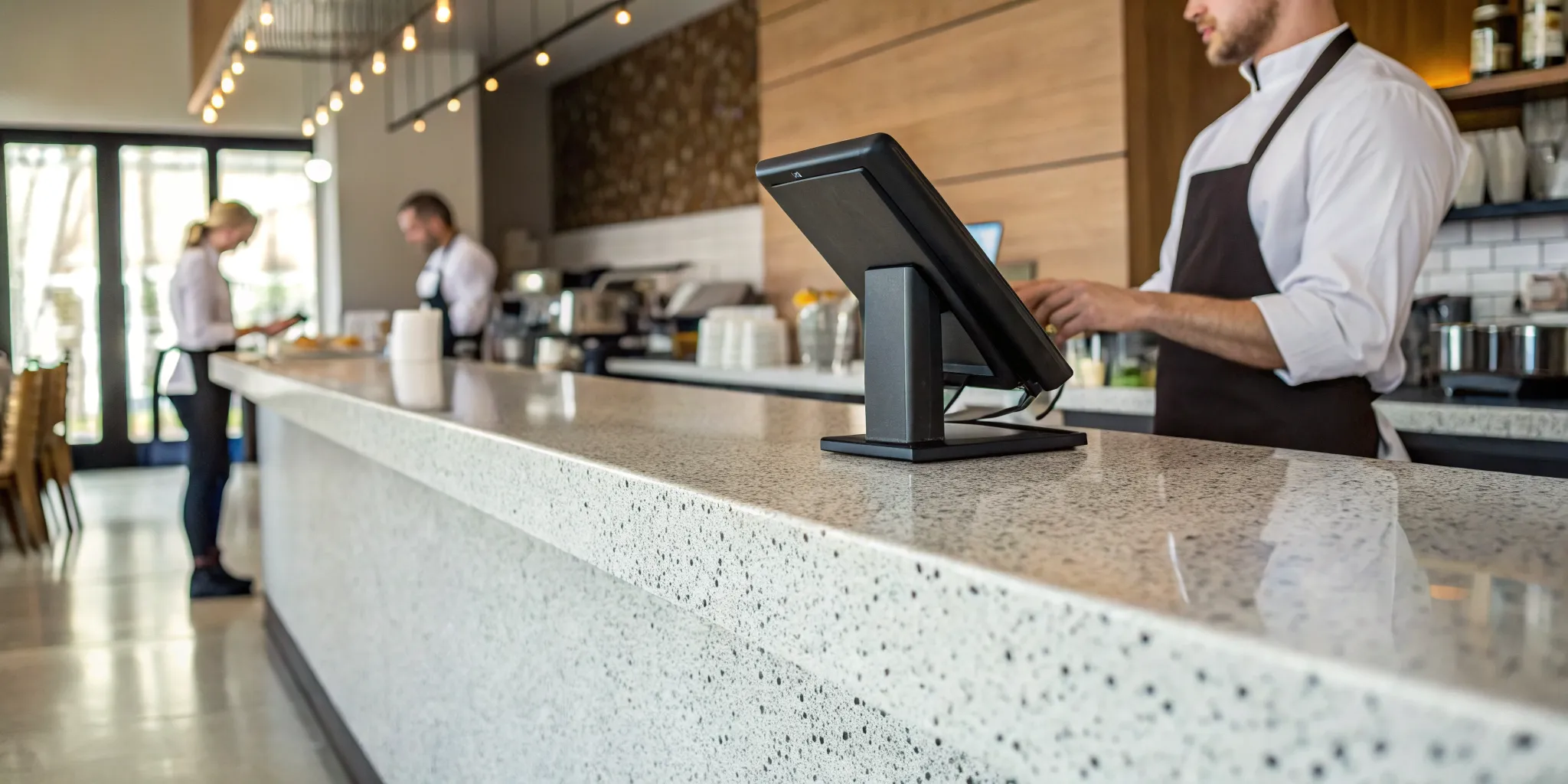
So, how does this look during a busy service? When a server takes an order on a terminal or tablet, the POS instantly sends it to the kitchen display system or printer. When your guests are ready to pay, the server pulls up their check on the same device. The customer can then pay directly, and the payment information is processed instantly through the integrated system, automatically closing out the ticket. This simple workflow removes the clumsy step of juggling a separate card machine. Many modern systems even have an offline mode, so you can keep operating if your internet connection drops, and all the data will sync up once you’re back online.
Why Integrated Payments Matter
This is about more than just convenience; it’s about security and accuracy. With an integrated system, you dramatically reduce the chance of human error, like a server accidentally keying the wrong total into a separate card reader. More importantly, integrated payments are built with security at their core. They use advanced encryption technologies to protect sensitive customer card data from the moment it’s swiped, dipped, or tapped. Operating with an outdated, non-integrated setup can expose your business to serious financial and reputational risks. A secure, integrated POS is essential for protecting your restaurant and earning your guests’ trust.
Essential Features for Your Restaurant POS
Choosing a new POS system can feel overwhelming with all the options out there. But when you cut through the noise, you’ll find a handful of core features that are non-negotiable for any modern restaurant. Think of your POS as the central hub of your operation. It should do more than just process payments; it needs to streamline your daily workflow, from the moment a guest sits down to when you’re closing out the books at night. The right set of tools will help you turn tables faster, manage inventory without headaches, and make smarter business decisions based on real data.
Order and Table Management
During a busy dinner rush, smooth communication between your front and back of house is everything. A great POS system brings order to the chaos with intuitive table management tools. Servers can take orders on a tablet, fire them directly to the kitchen printer, and see a real-time layout of the dining room. This means no more running back and forth or trying to decipher messy handwriting. Features like easy check-splitting, table status updates, and quick payment processing keep things moving efficiently. This not only reduces the chance of errors but also improves your restaurant’s table turnover rate, allowing you to serve more guests and increase revenue.
Inventory and Menu Management
A modern POS is the backbone of your inventory control. It can track ingredients down to the last ounce, automatically deducting items from your stock as orders are placed. This gives you a clear, real-time view of what you have on hand, helping you avoid running out of a popular dish mid-service. This data is also invaluable for reducing food waste and making smarter purchasing decisions. Beyond tracking, your POS should make menu updates simple. Whether you’re 86ing an item, adding a seasonal special, or changing prices across your in-house and online menus, you should be able to do it all from one central dashboard, saving you time and effort.
Reporting and Analytics
Your POS system collects a goldmine of data every single day. The best systems make it easy to understand and use that information to grow your business. Look for robust reporting features that give you insights into sales trends, best-selling menu items, server performance, and your busiest service hours. With this information at your fingertips, you can make data-driven decisions instead of relying on guesswork. You can refine your menu to feature your most profitable dishes, create staff schedules that match customer traffic, and identify opportunities to improve your restaurant’s performance and bottom line.
Customer Management Tools
Turning a first-time visitor into a loyal regular is key to long-term success. Many POS systems now include customer relationship management (CRM) tools to help you build those connections. These features allow you to create customer profiles, track their order history, and note their preferences. You can use this information to offer a more personalized experience and run targeted marketing campaigns. Imagine sending a birthday discount to a regular or letting a guest know their favorite seasonal dish is back on the menu. A built-in restaurant loyalty program can also be managed through your POS, making it simple to reward repeat business and keep your best customers coming back.
Comparing Top Restaurant POS Systems
With so many options on the market, picking the right POS system can feel overwhelming. The good news is that this variety means there’s a perfect fit for every type of restaurant, from a cozy cafe to a bustling fine-dining establishment. To help you get a clearer picture, let’s look at some of the top contenders in the industry. We’ll break down what makes each one unique so you can see how their features align with your specific business needs. Think about your daily operations, your budget, and your long-term goals as you review these popular systems.
MBNCard POS Solutions
Instead of a one-size-fits-all approach, we focus on building a POS and payment processing solution that’s tailored to your restaurant. We start by understanding your unique challenges, whether it’s managing complex orders, speeding up table turnover, or cutting down on processing fees. Our goal is to pair you with the right hardware and software while providing transparent pricing through programs like cash discounting or dual pricing. With MBNCard, you get a dedicated partner committed to finding a system that supports your growth, simplifies your operations, and helps you save money.
Square for Restaurants
Square is known for its user-friendly interface and straightforward setup, making it a popular choice for new restaurants and food trucks. You can get started with their free plan and upgrade as your needs evolve. The system is designed to handle the basics of restaurant management smoothly, from taking orders to accepting payments. Square for Restaurants accepts all major payment types, including swipe, dip, and tap, and even has an offline mode for those moments when your internet connection is unstable. They also offer a variety of hardware, from handheld devices to full-service registers.
Toast POS
Toast is built exclusively for the restaurant industry, and it shows. This system is known for its reliability and robust features that cater specifically to food and beverage businesses. It’s a great option for restaurants looking for a comprehensive, all-in-one platform that can handle everything from online ordering to team management. A major strength of Toast is its focus on security. The system uses advanced encryption and tokenization to protect your customers’ payment data, giving both you and your guests peace of mind with every transaction.
Lightspeed Restaurant
If you’re looking for a highly flexible and customizable system, Lightspeed Restaurant is a strong contender. It’s designed to adapt to your specific workflow, whether you run a quick-service cafe or a multi-location restaurant group. Lightspeed supports modern ordering methods, allowing customers to order online, from a QR code at their table, or through a server with a handheld device. Their integrated Lightspeed Payments platform is built directly into the POS, which helps create a seamless checkout experience and can simplify your payment processing.
NCR Aloha
NCR Aloha has been a trusted name in the restaurant POS space for years, making it a familiar sight in many established eateries. The platform is powerful and designed to handle high-volume, complex operations with ease. NCR focuses heavily on security, using modern technology like EMV and NFC to help prevent payment fraud. They offer two primary systems, Aloha Cloud and Aloha Essentials, giving restaurants the flexibility to choose a solution that best fits their operational style and budget. This makes it a scalable option for businesses planning for future growth.
How Security Features Protect Your Business and Guests
When you’re running a restaurant, the last thing you want to worry about is a data breach. Protecting your customers’ payment information is just as important as serving them a great meal. It builds trust and safeguards your reputation. A modern POS system with integrated payments isn’t just about convenience; it’s your first line of defense. The right system comes with layers of security designed to protect every transaction, giving you and your guests peace of mind. These features work quietly in the background, so you can focus on what you do best: running your business.
Understanding PCI Compliance
Think of PCI compliance as the health code for payment processing. The Payment Card Industry Data Security Standard (PCI-DSS) is a set of security rules for any business that accepts credit cards. Your POS system absolutely must be PCI-DSS compliant to ensure you’re following the proper protocols for handling sensitive cardholder data. Using a non-compliant system puts your business at risk for major fines and damages your credibility if a breach occurs. When you’re comparing POS options, confirming PCI compliance should be at the top of your checklist. It’s a non-negotiable foundation for secure payment processing.
How Encryption and Tokenization Keep Data Safe
You’ve probably heard the terms encryption and tokenization, but what do they actually do? In simple terms, they make customer data useless to thieves. Encryption scrambles card information into an unreadable code the moment a card is swiped, dipped, or tapped. This protects the data as it travels through your network. Tokenization takes it a step further by replacing the actual card number with a unique, non-sensitive placeholder, or “token.” This means you never have to store raw credit card details on your system. A quality POS uses both end-to-end encryption and tokenization to secure data whether it’s in transit or at rest.
Built-In Fraud Prevention
Strong security goes beyond just protecting card data. Modern POS systems include built-in fraud prevention tools to guard against both external and internal threats. This includes features like role-based user access, which lets you control what your staff can see and do in the system. For example, you can prevent a server from issuing high-value refunds without a manager’s approval. These systems also log activity and can flag unusual transactions, helping you spot potential issues early. Running your restaurant on an outdated POS is a huge financial and reputational risk. Look for a system that offers proactive security measures to keep your operations secure.
Choosing the Right POS: Key Considerations
Finding the right POS system is one of the most important decisions you’ll make for your restaurant. It’s the central hub for your sales, inventory, and customer data, so it needs to fit your operations perfectly. With so many options available, it’s easy to feel overwhelmed. The key is to break down the decision by focusing on what truly matters for your specific business. Think about your restaurant’s unique workflow, your budget, and the tools you already use. By evaluating systems based on these core factors, you can confidently choose a POS that not only processes payments but also helps you run your business more smoothly and efficiently. Let’s walk through the main things you should consider to find the perfect match.
Your Restaurant’s Size and Style
The POS needs of a bustling food truck are completely different from those of a quiet, fine-dining establishment. Before you start comparing features, think about the specific needs of your restaurant’s size and style. A small café might prioritize a simple, fast interface for quick counter service, while a multi-level restaurant will need advanced table mapping and the ability to transfer tickets between servers. Consider your daily operations. Do you need to manage reservations, split checks frequently, or handle complex modifiers for custom orders? Listing your must-have features based on your service style will help you narrow down the options and avoid paying for functionality you’ll never use.
Pricing Models and Your Budget
A POS system is an investment, and it’s crucial to understand the full cost before you commit. Pricing isn’t just about the monthly subscription fee. You need to look at the complete picture, including hardware costs, setup fees, and payment processing rates. Some providers offer seemingly low monthly rates but charge high transaction fees that can quickly eat into your profits. Look for transparent pricing and a clear breakdown of all potential costs. Understanding the total cost of ownership will help you create an accurate budget and ensure there are no surprises down the road. Don’t be afraid to ask for a detailed quote that outlines every single fee.
Hardware Needs
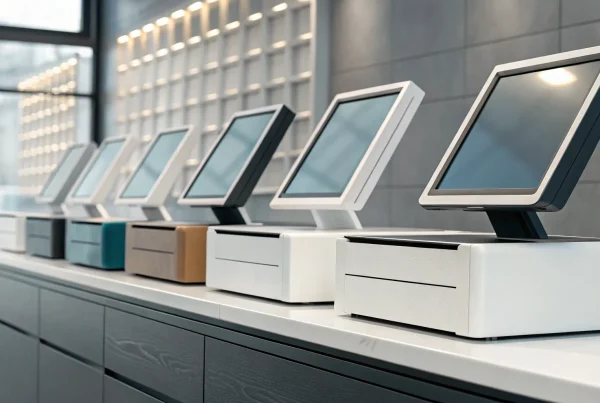
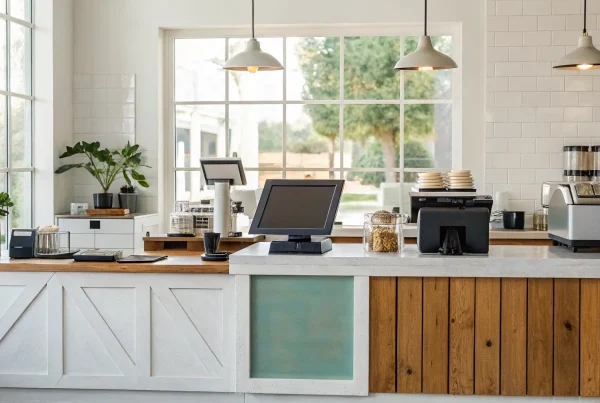
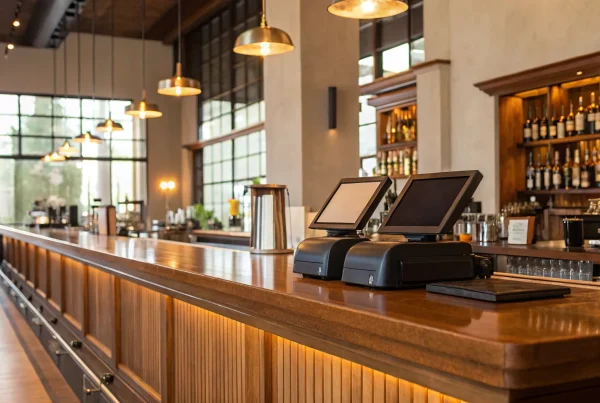
Your POS hardware is the physical link between your staff, your customers, and your software. The right setup can make your service faster and more efficient. Think about the hardware requirements that best suit your restaurant’s flow. Do you need sleek tablets for tableside ordering and payments? Or does a traditional, durable terminal at the counter make more sense for your quick-service model? Also, consider kitchen display systems (KDS) to streamline communication between the front and back of the house, as well as receipt printers and cash drawers. Your hardware should support your workflow, not complicate it, so choose components that are reliable and easy for your team to use.
Compatibility with Your Current Tools
Your POS system shouldn’t operate in a silo. For truly streamlined operations, it needs to connect with the other software you rely on to run your business. Before choosing a system, make a list of your current tools for accounting, inventory management, employee scheduling, and online ordering. Check if the POS offers seamless third-party integrations with these platforms. A well-connected, cloud-based system can automatically sync sales data with your accounting software or update inventory levels in real time, saving you hours of manual data entry. This connectivity reduces errors and gives you a more accurate, holistic view of your business performance.
Overcoming Common Setup Challenges
Switching to a new POS system is a big step, and it’s normal to worry about the transition. The good news is that with a little planning, you can sidestep the most common hurdles. A smooth rollout isn’t about luck; it’s about having a clear strategy for training your team, moving your data, and keeping your restaurant running without a hitch.
The key is to break the process down into manageable steps. Instead of seeing it as one giant project, think of it as three smaller ones: getting your staff comfortable with the new tools, securely transferring your business information, and planning the final switch to prevent any service interruptions. By tackling each of these areas thoughtfully, you can ensure your new POS system starts adding value from day one, without the headaches. Let’s walk through how to handle each of these challenges.
Training Your Staff on the New System
A new POS is only as good as the people using it. If your team finds the system confusing or difficult, it can slow down service and create frustration for everyone. The best way to prevent this is with a solid staff training program. Don’t wait until the day before you go live to show everyone the ropes. Schedule dedicated training sessions during slower periods.
Start with the basics, like taking orders and processing payments, then move on to more advanced features. Let your staff practice in a test mode so they can get comfortable without worrying about making mistakes on live orders. Creating simple cheat sheets for common tasks can also be a huge help during the first few weeks. A confident team leads to a smoother transition and better guest experiences.
Migrating Your Data Seamlessly
Your business runs on data, from your menu items and inventory counts to your customer list and sales history. Moving all of that information to a new system can feel like a monumental task, especially when you’re worried about integration issues between your old and new platforms. Before you commit to a POS, ask how they handle data migration. Many providers offer tools or direct support to make the process easier.
Work with your new POS provider to create a migration plan. Identify the essential data you need to transfer and clean it up beforehand by removing outdated contacts or old menu items. A well-planned migration ensures you don’t lose valuable information and can pick up right where you left off, with all your critical data intact and ready to use in the new system.
Avoiding Downtime During the Switch
The last thing you want is for your POS system to go down during a busy service. System downtime means you can’t take orders or accept payments, which brings your entire operation to a halt. To avoid this, plan your switch for your slowest day or during off-hours. This gives you a buffer to handle any unexpected issues without impacting your customers or revenue.
Many modern POS systems also offer an “offline mode” as a safety net. This feature allows your system to continue functioning on a limited basis even if the internet connection is lost. You can still take orders and process card payments, which will then sync up once you’re back online. This is a crucial feature to look for, as it provides peace of mind and ensures you can maintain service continuity no matter what.
How Integrated Payments Improve Your Operations
Connecting your payment processing directly with your point-of-sale system does more than just tidy up your counter space. It fundamentally changes how your restaurant runs, smoothing out daily tasks from the front of the house to the back office. An integrated system reduces manual entry errors, gets customers on their way faster, and gives you a crystal-clear picture of your business performance. It’s about creating a seamless flow that benefits your staff, your guests, and your bottom line.
Faster Checkout and Table Turns
When your POS and payment terminal are one and the same, the entire checkout process becomes quicker and more efficient. Your servers no longer need to walk a credit card over to a separate terminal, manually enter the total, and then return to the table for a signature. Instead, they can process payments directly at the table with a handheld device. This simple change minimizes the chance of costly mistakes, like keying in the wrong amount.
Getting these details right not only keeps customers happy but also speeds up service significantly. When you can close out checks faster, you can turn tables more quickly. During a busy dinner rush, seating even one extra party per table can make a huge difference in your nightly revenue.
Offering Contactless and Mobile Payments
Diners today expect convenient and secure payment options. An integrated POS system makes it easy to accept the methods they prefer, including contactless cards and mobile wallets like Apple Pay and Google Pay. Offering these options shows your customers that you’re keeping up with their needs and makes the payment experience feel effortless. It’s a small touch that contributes to a modern, professional image.
Beyond convenience, these systems are built with security in mind. Integrated payments use advanced encryption and tokenization to protect sensitive cardholder data from the moment a card is tapped or swiped. This helps you maintain PCI compliance and gives your guests peace of mind, knowing their information is safe with you.
Simplifying End-of-Day Reporting
One of the biggest headaches for any restaurant manager is closing out at the end of the night. Manually reconciling credit card batches with your POS sales reports is time-consuming and leaves plenty of room for human error. An integrated system automates this entire process. Since all transaction data flows directly into your POS, your sales reports are always accurate and balanced.
This means no more hunting for missing receipts or trying to figure out why the numbers don’t match. Your end-of-day reporting becomes a simple, straightforward task. Some systems even offer an offline mode, which ensures transactions are captured and synced later if your internet connection drops. This reliability gives you a complete and accurate financial snapshot every single day.
Understanding POS Pricing and Fees
It’s easy to get sticker shock when looking at POS systems, but the price tag doesn’t tell the whole story. The total cost of a restaurant POS is a mix of software fees, payment processing rates, and hardware expenses. Some costs are one-time, while others are recurring, making it tricky to compare options. To make a smart investment, you need to break down the pricing structure and look beyond the advertised monthly rate. Let’s walk through the main cost components so you can find a system that fits your budget without any hidden surprises.
Subscription vs. Transaction-Based Models
POS software is typically priced in one of two ways. A subscription model involves a flat, recurring fee, usually paid monthly. This approach gives you predictable costs, which makes budgeting much easier since you know exactly what you’ll owe each month. The other common option is a transaction-based model, where you pay a percentage of each sale. This can be great for new or seasonal restaurants because the cost scales with your revenue. Consider your restaurant’s sales patterns to decide which pricing strategy aligns best with your cash flow.
What to Know About Processing Rates and Hidden Fees
Payment processing fees are where things can get complicated. These are the fees you pay to accept credit and debit cards, and they can significantly impact your bottom line. Some POS providers bundle these rates, while others partner with merchant service providers like us. The most important thing is to find a partner who offers transparent pricing. Be sure to ask about potential hidden fees, like monthly minimums or PCI compliance charges. Always review your merchant agreement carefully to understand every line item so you know exactly what you’re paying for.
Hardware and Setup Costs
Beyond the software, you’ll need the right hardware to run your operations. The initial investment can include terminals, cash drawers, receipt printers, and kitchen display systems. These costs can range from a few hundred to several thousand dollars, depending on your restaurant’s needs. Some providers offer hardware bundles or leasing options to make the upfront cost more manageable. Don’t forget to ask about one-time setup costs for installation and training. Getting a complete quote that includes all POS hardware is the best way to avoid unexpected expenses.
Making the Right Choice for Your Restaurant
Selecting a POS system is one of the most important decisions you’ll make for your restaurant. It’s more than just a cash register; it’s the central hub for your entire operation. The right system streamlines everything from taking orders to managing inventory, while the wrong one can create daily headaches for you and your team. To find the perfect fit, look past the flashy features and focus on what truly matters for your unique business.
First, consider your team. A complicated system will only slow them down during a hectic dinner rush. Prioritize a user-friendly system with an intuitive interface that reduces training time and minimizes errors. Next, think about your future. The POS you choose today should be able to handle where you want to be tomorrow, whether that means adding online ordering, a loyalty program, or even a second location. A scalable system adapts to these changes without requiring a complete overhaul.
Don’t forget about compatibility. Your POS should work in harmony with the other software you rely on, like your accounting platform or employee scheduling tools. Seamless integration saves you time and gives you a complete picture of your business performance. Finally, demand clear pricing. Hidden fees and confusing statements can quickly eat into your profits. Look for a provider that offers transparent rates so you can avoid any unpleasant surprises and protect your bottom line.
Related Articles
Frequently Asked Questions
What’s the main advantage of an integrated POS over just using a separate card reader? The biggest advantages are speed and accuracy. With an integrated system, the order total is sent directly to the payment terminal, so your staff never has to manually key in an amount. This simple step eliminates the risk of costly typos and makes the checkout process much faster. It also makes your end-of-day reporting a breeze, since your sales and payment records are automatically reconciled in one place.
I’m worried about my internet connection failing. Can I still take payments? Yes, this is a common concern, and most modern POS systems have a solution for it. Look for a system with an “offline mode.” This feature allows you to continue accepting credit card payments even if your internet goes down. The transactions are securely stored on the device and then processed automatically as soon as your connection is restored, so you don’t miss out on sales during an outage.
All this talk about security is a bit overwhelming. What’s the one thing I absolutely need to look for? If you focus on one thing, make it PCI compliance. Think of it as the minimum safety standard for any business that handles credit card information. A PCI-compliant system ensures you are following established rules for protecting customer data. Using a non-compliant system can expose your business to significant fines and damage your reputation, so it should be a non-negotiable requirement when you’re comparing options.
Switching to a new system seems like a lot of work. What’s the best way to train my staff? A smooth transition starts with confident staff. The best approach is to schedule dedicated training sessions before the system goes live, preferably during a slow period. Let your team practice taking orders and payments in a test environment so they can get comfortable without the pressure of a real service. Creating simple cheat sheets for common tasks can also be a great resource for them to reference during the first few weeks.
How do I figure out which pricing model is right for my restaurant? It really depends on your sales volume and consistency. If your restaurant has steady, predictable revenue, a subscription model with a flat monthly fee can make budgeting simple. If you’re a newer business or have seasonal fluctuations in sales, a transaction-based model might be a better fit, since your costs will scale up or down with your revenue. Always ask for a full breakdown of all fees, including payment processing rates, to understand the total cost.