When you start shopping for a POS system, you’ll find that some providers lock you into their own payment processing. This can limit your options and stick you with higher rates. A better approach is to find a flexible pos system for retail stores that allows you to choose your own merchant services provider. This gives you the freedom to shop for the best rates and find a partner who offers transparent pricing and fast funding. This guide explains everything you need to know, from essential hardware and software features to the critical role of payment processing, so you can build a complete solution that saves you money.
Key Takeaways
- Focus on your core business needs: Don’t get distracted by flashy features. The best POS system solves your specific problems, like managing complex inventory, building customer loyalty, or syncing your online and physical stores.
- Understand the total cost: Look past the monthly software fee and consider all expenses, including hardware, setup, and payment processing rates. A flexible system allows you to partner with a merchant services provider to find better transaction fees.
- Plan for your team and your future: A smooth transition depends on a solid plan for data migration and staff training. Select a system that not only integrates with your current tools but can also scale with your business as you grow.
The Best POS Systems for Retail: A Quick Guide
With so many options out there, finding the right POS system can feel overwhelming. To help you get started, I’ve put together a quick guide to some of the most popular and effective POS systems for retail businesses. Each one has its own strengths, so think about what your store needs most as you read through. Remember, the best software can be paired with a better payment processor (like us!) to save you money on every transaction.
MBNCard POS Solutions
At MBNCard, we believe your POS system should work for you, not the other way around. That’s why we focus on providing flexible payment solutions that integrate seamlessly with the industry’s best hardware and software. Instead of locking you into a single proprietary system, we give you the freedom to choose the tools that fit your business perfectly. Our real strength lies in our approach to payment processing. We offer transparent pricing, next-day funding, and dedicated support to ensure you’re saving money and getting paid fast. We can help you pair a top-tier POS system with a processing plan that actually makes sense for your bottom line.
Square POS
Square is a household name for a reason. It’s an all-in-one retail solution that’s incredibly user-friendly, making it a fantastic choice if you want to get up and running quickly. The system helps you manage everything from sales and customer information to your inventory. One of its standout features is real-time stock tracking, which syncs what you have available in-store and online, helping you avoid overselling popular items. With a complete history of your sales and restocks at your fingertips, Square for Retail gives you the data you need to make smarter business decisions without a steep learning curve.
Shopify POS
If your business has strong e-commerce roots or you plan to sell online, Shopify POS is a natural fit. It’s designed from the ground up for omnichannel selling, which is just a fancy way of saying it creates a smooth, unified experience for you and your customers across your website and physical store. Imagine a customer buying online and returning in-store without a hitch, or your inventory automatically updating everywhere after a sale. That’s the power of Shopify. It’s one of the best retail POS systems for merchants who want to build a brand that thrives both on and offline, keeping all their data in one convenient place.
Lightspeed Retail
For retailers looking to scale, Lightspeed Retail offers a powerful combination of software and hardware designed for growth. It’s a robust system built to handle more complex operations, like managing a large inventory or multiple store locations. The platform allows you to manage all your in-store and online sales from a single dashboard, which can be a huge time-saver. Whether you’re tracking inventory across different channels, managing customer relationships, or analyzing detailed sales reports, Lightspeed provides the tools to run your business efficiently. It’s a versatile retail POS system that can grow with you as your business expands.
Clover
If you’re just starting out or your primary need is to simply and securely accept card payments, Clover is an excellent choice. It’s known for its sleek hardware and an incredibly intuitive interface, which makes training new employees a breeze. While it can handle more complex tasks, its core strength is its simplicity. Many new business owners appreciate the straightforward setup and low-cost entry options. It’s a reliable workhorse that gets the job done without overwhelming you with features you might not need yet. Fellow small business owners often recommend it for its ease of use right out of the box.
KORONA POS
KORONA POS shines in environments that require detailed inventory management or handle a high volume of sales. If you run a business like a boutique with hundreds of unique SKUs, a liquor store, or a museum gift shop, this system’s specialized tracking capabilities are a game-changer. It helps you keep a close eye on stock levels, prevent theft, and understand what’s selling and what’s not. It’s also built for speed, making it one of the best POS systems for retail stores that need to keep the line moving. It’s a powerful option for retailers with specific, complex inventory needs.
What Features Does Your Retail POS System Actually Need?
A point-of-sale system does a lot more than just process transactions. It’s the central hub of your retail operation, connecting your sales, inventory, customer data, and team management. But with so many options available, it’s easy to get overwhelmed by bells and whistles you might not use. The key is to focus on the core features that will actually make a difference in your day-to-day operations and help your business grow.
Think about your biggest challenges right now. Is it keeping track of what’s in stock? Understanding which products are your bestsellers? Or maybe it’s building a base of loyal, repeat customers? The right POS system should solve these problems for you. Let’s walk through the essential features every retail business owner should look for.
Manage Your Inventory with Ease
If you’ve ever spent hours manually counting products, you know how time-consuming and error-prone it can be. A great POS system automates this process, acting as your digital inventory manager. Look for a system that lets you easily upload products in bulk and track different versions of the same item, like size, color, or style. The most helpful feature? Low-stock alerts that notify you when it’s time to reorder, so you never miss a sale because an item is out of stock. A solid inventory management system can also help you identify slow-moving products, giving you the data you need to run promotions and clear shelf space.
Understand Payment Processing and Fees
Your POS system is directly tied to how you get paid, so it’s critical to understand the payment processing it offers. Some POS providers require you to use their built-in processing. Others give you the flexibility to work with a merchant services provider of your choice. This is a huge advantage because it allows you to shop around for the best rates. When comparing options, look beyond the sticker price. Ask about transaction fees, monthly charges, and any hidden costs. Your system should also be equipped to accept all the ways your customers want to pay, including credit cards, digital wallets like Apple Pay, and even buy-now-pay-later services.
Get Clear Sales Reports and Analytics
Your sales data is a goldmine of information, but only if you can easily access and understand it. A POS system with strong reporting features turns raw numbers into actionable insights. At a glance, you should be able to see your top-selling products, your busiest times of day, and how your sales are trending over time. This information helps you make smarter decisions about everything from staffing schedules to marketing campaigns. For example, if you know a certain product flies off the shelves every Saturday, you can make sure you’re fully stocked and staffed to meet the demand. These detailed reports are what separate a simple cash register from a powerful business tool.
Build Customer Loyalty
Attracting a new customer is great, but getting them to come back is even better. Your POS can be a powerful tool for building customer relationships. Look for systems that have built-in customer relationship management (CRM) features. This allows you to create customer profiles, track their purchase history, and see who your most valuable shoppers are. With this information, you can create personalized marketing campaigns and launch a loyalty program to reward repeat business. It can be as simple as a points system or exclusive discounts for members, but these small touches make customers feel valued and keep them coming back for more.
Manage Your Team and Track Hours
As your business grows, so does your team. A good POS system helps you manage your staff more efficiently. You can create unique logins for each employee, which helps track sales by individual and keeps your data secure. Many systems also allow you to set different permission levels, so you can control who has access to sensitive functions like processing refunds or viewing sales reports. Some even include a built-in time clock, making it simple for employees to clock in and out. This streamlines your payroll process and gives you a clear picture of your labor costs, saving you administrative time and effort.
Connect Your Online and In-Store Sales
If you sell products both in a physical store and online, you need a POS system that can keep both channels in sync. This is often called an omnichannel approach, and it’s essential for providing a smooth customer experience. The right POS will automatically update your inventory levels across all channels. When an item sells online, it’s removed from your in-store stock count, and vice versa. This prevents you from accidentally selling the same item twice. It also opens the door for convenient services like in-store pickup for online orders, which is a great way to connect your sales channels and meet modern customer expectations.
How Much Should You Budget for a POS System?
Figuring out your budget for a new point-of-sale system can be tricky because the price isn’t a one-time cost. You need to account for the physical hardware, monthly software fees, payment processing rates, and any setup costs. Let’s break down each piece so you can create a realistic budget without any surprises.
The Initial Hardware Costs
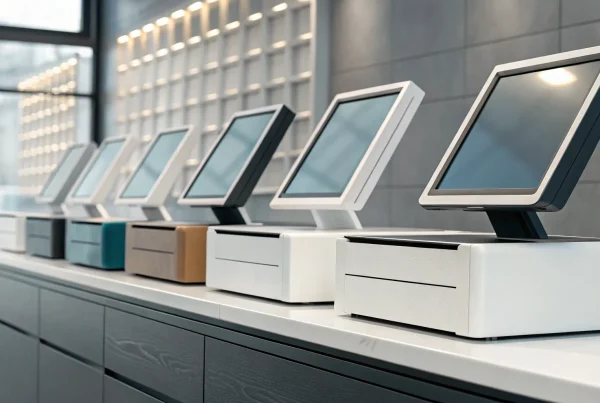
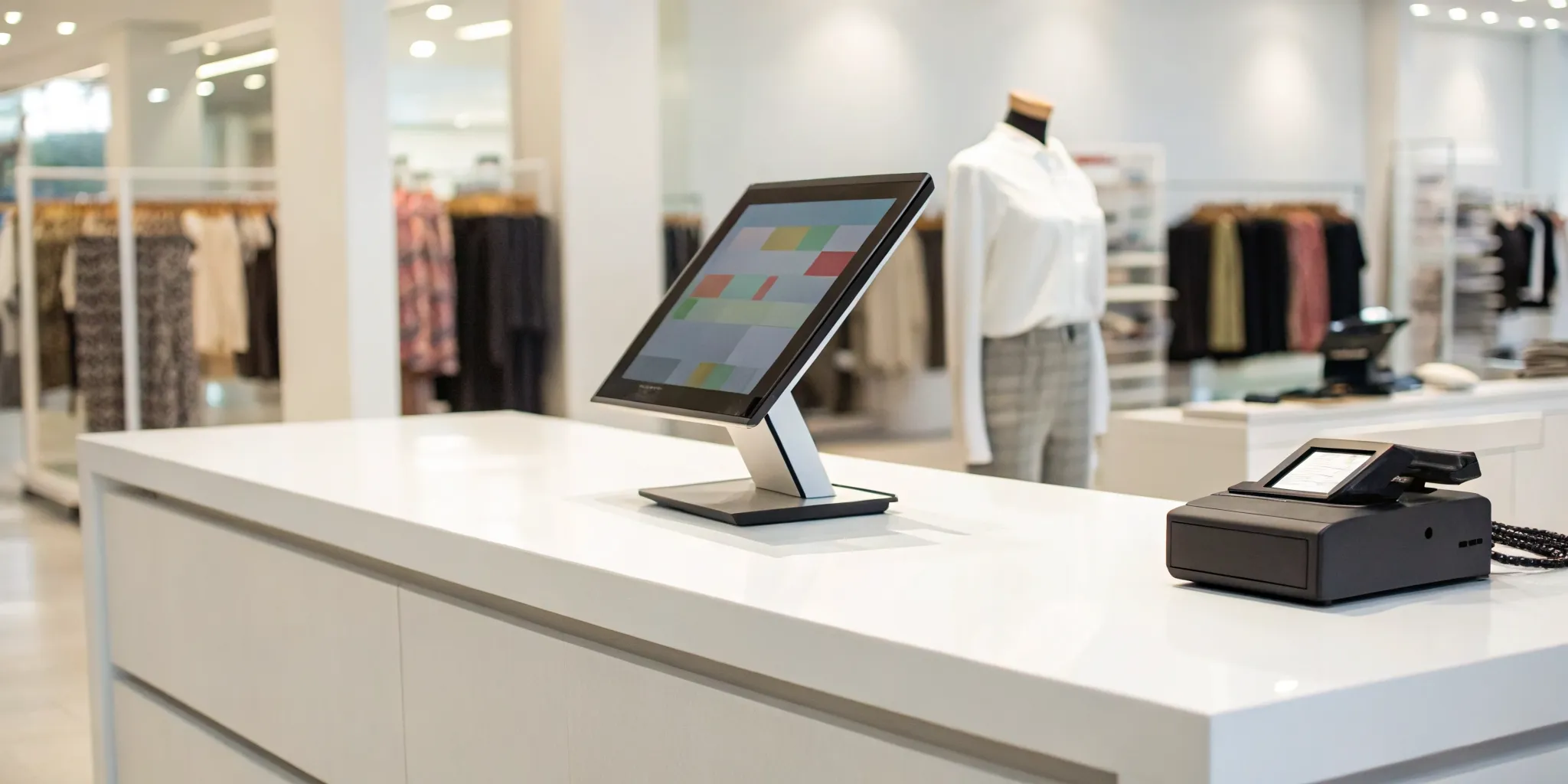
Your first major expense is the hardware: the touchscreen, scanner, and printer. A complete setup can run from $750 to $1,700. Think of this as the foundation of your checkout counter. While it’s a significant upfront investment, choosing durable equipment is essential for smooth daily operations. Before you buy, list the essential POS hardware your store needs to avoid overspending.
Ongoing Software Subscriptions
Beyond the hardware, you’ll have a recurring fee for the POS software. This is the brain of the operation, helping you process sales, track inventory, and run reports to see how your business is doing. Software costs vary widely based on the features you choose, like loyalty programs or advanced analytics. Map out your must-have features first to find a subscription that fits your needs without paying for extras you won’t use.
What to Expect for Processing Rates
Every time a customer pays with a card, there’s a processing fee. These rates are a critical, ongoing cost to factor into your budget. Some POS providers lock you into their own payment processing, while others give you flexibility to choose your own merchant services provider. It’s important to understand payment processing fees before you commit, as these small percentages add up significantly over time.
Don’t Forget Setup and Training Fees
Finally, don’t overlook one-time costs for setup and training. Some POS companies charge a fee to get your system installed, while others include it. More importantly, investing in proper training for your team is crucial. A common mistake is assuming staff can learn on the fly. Proper training ensures everyone uses the system correctly from day one, which means fewer errors, faster checkouts, and a much smoother transition for your business.
Cloud vs. On-Premise: Which POS is Right for You?
When you start looking at POS systems, you’ll quickly run into two main categories: cloud-based and on-premise. Think of it like the difference between streaming music and owning a vinyl record collection. One lives online and gives you access from anywhere, while the other is stored right in your shop, giving you direct control.
A cloud-based system, also known as a Software-as-a-Service (SaaS) system, stores your data on remote servers and is accessed through the internet. An on-premise system stores all your data on a local server right in your store. Neither one is universally better than the other; the right choice really comes down to your business’s specific needs, budget, and how you like to operate. Let’s break down the pros and cons of each so you can figure out which one fits your retail store best.
The Pros and Cons of a Cloud-Based POS
Cloud-based POS systems have become incredibly popular, especially with small and mid-sized businesses, and for good reason. The biggest advantage is the lower upfront cost. Instead of buying expensive software licenses, you typically pay a more manageable monthly subscription fee. Updates are handled automatically by the provider, so you always have the latest features without lifting a finger. Plus, since it’s all online, you can manage your operations from anywhere with an internet connection. The main drawback? That reliance on the internet. If your connection goes down, you could lose the ability to process sales.
The Pros and Cons of an On-Premise POS
An on-premise POS is the traditional model. You buy the software license and install it on your own computers and local server. The primary benefit here is control. All your sales and customer data is stored in-house, which can offer more control over data and security. You also aren’t dependent on an internet connection to run transactions. However, this control comes at a price. The initial investment in hardware and software is significantly higher, and you are responsible for all maintenance, system updates, and data backups. If something goes wrong, it’s on you or your IT team to fix it.
How to Decide for Your Business
So, how do you choose? Start by looking at your business’s reality. If you have a tight initial budget but can handle a monthly fee, a cloud-based system is probably a better fit. If you have multiple locations or want to check in on sales while you’re away, the remote access of a cloud POS is a clear winner. On the other hand, if you’re in an area with spotty internet or handle highly sensitive data, an on-premise system might provide more peace of mind. Think about your future, too. You want a provider that offers reliable support and a system that can scale with your business as you add products, staff, or even new locations.
Common Challenges When Implementing a New POS
Switching your point-of-sale system is a major step, and let’s be honest, it can feel a little daunting. Your POS is the heart of your retail operation, handling everything from sales and inventory to customer data. When you change it, you’re performing a transplant on your business. While the end result is a healthier, more efficient operation, the process itself comes with a few hurdles. But knowing what to expect is half the battle.
The most common challenges aren’t just technical glitches; they often involve your people, your existing software, and your valuable data. You might worry about the new system not playing well with the accounting software you’ve used for years. Or maybe you’re concerned about how your team will adapt to a new interface during the holiday rush. And the thought of moving years of customer and product data without causing significant downtime is enough to keep any business owner up at night. The good news is that these are all solvable problems. With a bit of foresight and a solid plan, you can handle these challenges and make the transition a success.
Integrating with Your Current Tools
Your new POS system needs to be a team player. It has to communicate seamlessly with the other tools you rely on to run your business, like your accounting software, e-commerce platform, or email marketing service. Before you sign on the dotted line, confirm that the new system offers reliable software integrations with your essential programs. A lack of integration can create manual work, leading to data entry errors and wasted time. Imagine having to manually export sales data every night into QuickBooks. A smooth integration automates these tasks, ensuring your data is consistent and your workflows remain efficient.
Getting Your Team On Board
A powerful new POS system is only as good as the people using it. One of the biggest mistakes business owners make is not dedicating enough time to staff training. Your team needs to feel confident and comfortable with the new technology from day one. A rushed or inadequate training process can lead to frustration, slower checkout times, and unhappy customers. Involve your team early, schedule dedicated training sessions, and provide them with resources they can reference later. When your staff understands the benefits of the new system and knows how to use it effectively, they’ll become its biggest advocates.
Moving Your Data (Without the Downtime)
Your business data, from customer information to inventory levels, is priceless. Moving it from your old system to a new one has to be handled carefully to avoid loss or corruption. The biggest concern here is minimizing downtime. You can’t afford to close your doors for a day just to switch systems. A well-thought-out data migration plan is crucial. Work with your new POS provider to understand the process, schedule the migration during off-peak hours, and double-check that all your information has been transferred correctly before you go live.
How to Make Implementation Smoother
So, how do you turn these potential challenges into a smooth transition? It all comes down to careful planning and communication. Start by outlining every step of the process, from research to launch day. Ask potential POS providers detailed questions about integration, training, and data migration support. Don’t be afraid to lean on the resources available to you. Many companies offer professional setup services that can manage the technical details for you. By addressing these challenges head-on with a clear strategy, you can ensure your new POS system becomes an asset, not a headache.
Is Your New POS System Working? Here’s How to Tell
You’ve unboxed the hardware, installed the software, and trained your team. But the real test of a new POS system isn’t just whether it processes payments. The right system should actively help you run your business better. So, how can you tell if your investment is paying off? It comes down to tracking the right information and listening to the people who use it every day.
A great POS is more than a cash register; it’s the command center for your retail store. It should give you clear, actionable insights that help you make smarter decisions about your products, customers, and staff. If you find yourself guessing about your sales trends or inventory levels, your POS might not be pulling its weight. Let’s look at the key areas to evaluate to make sure your new system is a true partner in your business’s growth.
The Key Metrics to Watch
To know if your POS is truly effective, you need to look at the data. Don’t worry, you don’t need a degree in analytics to do this. Your system should make it easy to track key performance indicators, or KPIs. Think of these as your business’s vital signs. They are the specific data points that show you what’s working and what isn’t. A good POS system gathers this information automatically, so you can stop spending hours in spreadsheets and start making informed decisions. You can use this data to set up retail KPIs that provide insights to help you fine-tune your strategy, from staffing to sales promotions.
Tracking Sales and Transaction Data
At its core, your POS system is there to handle sales, so this is the first place to look for results. Are your sales reports easy to understand? Your system should allow you to quickly see your total sales by day, week, or month. But you should also be able to go deeper. Look for trends like your busiest hours, most popular product categories, and average transaction value. Consistently tracking these core KPIs helps you identify patterns. For example, if you notice a dip in sales every Wednesday afternoon, you could run a mid-week promotion to draw in more customers. This is the kind of data-driven decision that turns a good business into a great one.
Measuring Inventory and Customer Loyalty
A new POS system should take the headache out of inventory management. An effective system will give you a clear, real-time picture of what you have in stock, what’s selling fast, and what’s collecting dust. This helps you avoid running out of your best-sellers while also preventing you from tying up cash in slow-moving products. Beyond inventory, check how your POS helps you build relationships. Does it have features to create customer profiles, track purchase history, or manage a simple loyalty program? Understanding who your repeat customers are and what they love to buy is essential for keeping them coming back.
Checking System Performance and Team Feedback
Data is important, but don’t forget about the user experience. Your team is on the front lines using the POS every day, so their feedback is invaluable. Is the system fast and intuitive, or is it clunky and slow during a rush? A common pitfall is using only the basic functions of a powerful system. Talk to your staff to see if they’ve discovered any time-saving features or are struggling with certain tasks. Their insights can help you avoid common POS system mistakes and ensure you’re getting the most out of every feature you’re paying for. A system that your team loves to use is one that will ultimately serve your customers better.
Making the Final Call: How to Choose Your POS System
You’ve done the research and narrowed down your options. Now it’s time to make a decision. Choosing a point-of-sale system is a major investment, so it’s important to approach this final step with a clear strategy. Instead of getting overwhelmed by features and sales pitches, focus on a few key areas that will help you find the perfect fit for your business. By systematically evaluating your needs, the true costs, the user experience, and your future goals, you can confidently select a POS system that will support your business for years to come.
Define What Your Business Needs
Before you look at another product page, take a step back and look at your own business. The best POS system is the one that solves your specific problems. Start by making a list of your absolute “must-have” features. Think about your daily operations: Do you need robust inventory management to track stock across multiple locations? Is a seamless connection to your online store a top priority? Consider features like detailed sales reporting, easy staff training, and integrated payments. Creating this checklist first ensures you stay focused on what truly matters for your business, rather than getting sidetracked by bells and whistles you’ll never use.
Compare the True Costs
Price tags can be deceiving. The cheapest option often comes with hidden costs, while the most expensive one doesn’t always guarantee the best value. To understand the true cost, you need to look beyond the monthly subscription fee. Ask for a complete breakdown of all expenses, including hardware, setup fees, and any charges for add-ons or integrations. Most importantly, get a clear explanation of the payment processing rates. A low software price can easily be offset by high transaction fees that eat into your profits. A transparent provider will be upfront about all potential costs, helping you budget accurately without any surprises.
Always Test Drive Before You Buy
You wouldn’t buy a car without taking it for a spin, and the same rule applies to your POS system. Don’t just rely on a website or brochure; schedule a live demo. This is your chance to see the software in action and ask specific questions about how it handles your daily tasks. Pay attention to how intuitive the interface is. Would it be easy to train your team on it? Beyond the demo, look for real user feedback and reviews to learn about the quality of customer support. A system can look great on paper, but you need to know that reliable help is available when you actually need technical assistance.
Plan for Your Future Growth
The POS system you choose today should be able to grow with you tomorrow. Think about your business goals for the next three to five years. Are you planning to open a new location, expand your product line, or build a customer loyalty program? Your POS provider should be a partner in that growth. Look for a system that is scalable and receives regular updates with new features. A provider that invests in its own technology is more likely to support your evolving needs. Choosing a forward-thinking partner ensures your POS system won’t become a roadblock as your business continues to succeed.
Related Articles
- 7 Best Retail POS Systems for Small Business
- 7 Best Point of Sale Systems for Retail Stores
- 6 Best Retail Point of Sale Systems in 2026
Frequently Asked Questions
Do I have to use the payment processing that comes with my POS system? Not always, and it’s a great question to ask. Some POS systems require you to use their built-in payment processing, which can sometimes mean higher rates. Other systems are more flexible, allowing you to work with a merchant services provider of your choice. This gives you the freedom to shop around for the best processing fees, which can save you a significant amount of money over time.
What’s the biggest mistake business owners make when choosing a POS? A common mistake is focusing too much on the price tag or a long list of features while forgetting about the people who will use the system every day. A system that is complicated or difficult to learn can slow down your checkout line and frustrate your team. Always schedule a demo to see how the software actually feels to use and ask about the quality of their customer support. A slightly more expensive system that is intuitive and well-supported is often a much better long-term investment.
Can I use my existing hardware, like my iPad or barcode scanner, with a new system? It depends entirely on the POS provider. Many modern, cloud-based systems are designed to work with common hardware like iPads and standard USB scanners, but it’s never a guarantee. Before you commit to a new software, make a list of the hardware you already own and ask the provider for their compatibility list. Confirming this upfront can save you from unexpected hardware costs down the road.
My business is very small. Do I really need a system with advanced reporting and loyalty programs? You might not need every advanced feature right now, and that’s perfectly fine. The key is to choose a system that can grow with you. Start with a plan that covers the essentials you need today, like reliable payment acceptance and basic inventory tracking. A good POS provider will offer different subscription tiers, allowing you to add more powerful features like in-depth analytics or a customer loyalty program when the time is right for your business.
How can I switch to a new POS system without shutting down my store? A smooth transition is all about planning. You can avoid significant downtime by preparing ahead of time. Work with your new provider to schedule the data migration, which is moving your product and customer info, during your slowest hours or overnight. Dedicate time to train your staff before the system goes live. A well-planned launch ensures your team is confident and your business can continue running with minimal interruption.