The checkout counter is the final handshake with your customer. You’ve provided a great product or service, and this is your last chance to make a positive impression. A slow, unreliable, or confusing payment process can undo all your hard work, leaving customers frustrated. The right indoor payment terminal, however, turns this crucial moment into a seamless, secure, and professional experience. It’s more than just a machine for taking cards; it’s a powerful tool that protects sensitive data, speeds up your lines, and builds trust. This guide will walk you through everything you need to know to choose the perfect device for your business.
Key Takeaways
- Match the terminal to your business needs: Your daily operations should guide your choice, whether you need a simple countertop device for a fixed register, a portable terminal for flexibility, or an all-in-one POS to manage your entire business.
- Prioritize security and transparent pricing: Look for essential security features like encryption and PCI compliance to protect your customers and your business. Understand the total cost, including hardware, transaction rates, and monthly fees, to avoid long-term surprises.
- A great payment partner is key to success: Your provider is more than a hardware supplier; they are your resource for technical support, staff training, and seamless integration with your other business systems, ensuring you’re always ready to make a sale.
What Is an Indoor Payment Terminal?
If you run a brick-and-mortar business, the indoor payment terminal is your best friend at the checkout counter. It’s the physical device that lets your customers pay quickly and securely, whether they want to tap, dip, or swipe their card. But it’s more than just a card reader. A modern terminal is a powerful tool that protects sensitive customer data, streamlines your sales process, and ultimately helps you create a smoother experience for everyone. Let’s look at exactly what it does for your business.
What It Does for Your Business
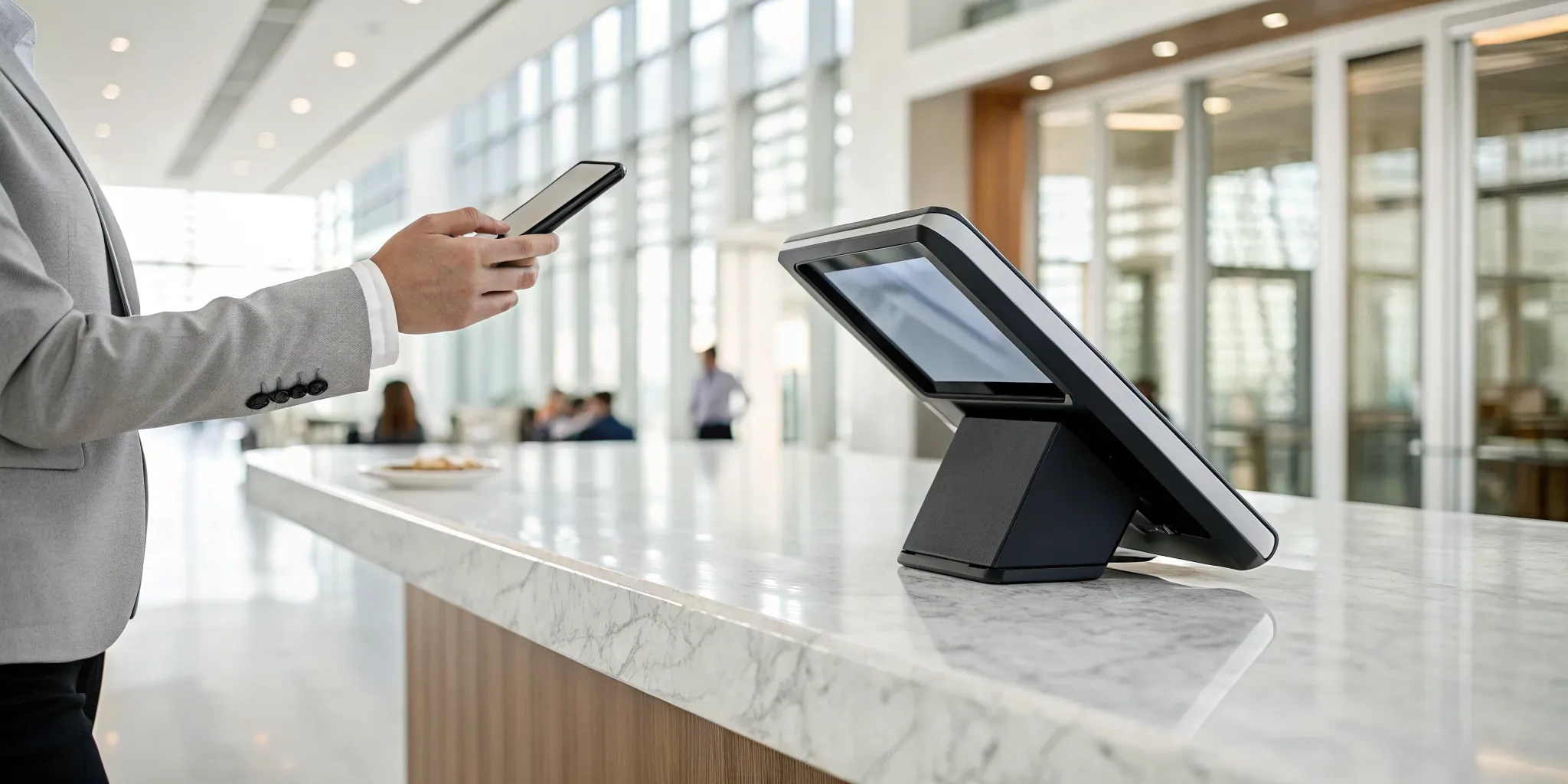
At its core, a payment terminal is the physical hardware that accepts in-person, card-based payments. Think of it as the bridge between your customer’s bank and yours. When a customer pays, the terminal reads their card information via a tap (contactless), an insert (EMV chip), or a swipe (magnetic stripe). It then securely sends that information through a payment network to get the transaction approved. In just a few seconds, it confirms the payment, completing the sale. This single device is essential for any business that wants to accept credit and debit cards, giving your customers the convenient payment options they expect.
How It Keeps Payments Secure
A payment terminal’s most critical job is protecting sensitive financial data. To prevent fraud and data breaches, every transaction must meet strict security rules. Terminals are designed with multiple layers of defense, including encryption, which scrambles card information the moment it’s captured, making it unreadable to fraudsters. They also use tokenization, which replaces the actual card number with a unique, one-time-use code. These features are essential for complying with the Payment Card Industry (PCI) Data Security Standard, a set of requirements all merchants must follow. By using a compliant terminal, you protect your customers and shield your business from costly penalties.
How It Improves Efficiency
Beyond security, the right payment terminal makes your entire checkout process faster and smoother. Modern devices process transactions in seconds, keeping lines short and customers happy. The best terminal for you depends on your unique business model. A restaurant might need a portable terminal for tableside payments, while a retail shop may prefer a sleek countertop device. Many terminals also come with features that simplify operations, like a built-in receipt printer that saves counter space and eliminates the need for extra hardware. By speeding up payments and reducing clutter, a good terminal helps your team work more efficiently.
What Are the Different Types of Indoor Terminals?
When you hear “payment terminal,” you might picture the classic device sitting by a cash register. But the truth is, there’s a whole family of terminals out there, each designed for different business needs. Choosing the right one isn’t just about accepting cards; it’s about creating a smooth, secure, and efficient checkout experience for your customers and your team.
Think about how your business operates. Do you have a fixed checkout counter? Do your employees need to take payments around the store or at a customer’s table? Are you looking for a simple device or a complete system that also tracks your inventory? Answering these questions will point you toward the perfect fit. Let’s walk through the most common types of indoor terminals so you can find the one that works best for you.
Countertop Terminals
This is the reliable workhorse of the payment world. A countertop terminal is the device you typically see sitting on the checkout counter at a retail store, salon, or café. It’s designed to stay in one place, connected directly to your power source and internet. These terminals are incredibly straightforward to set up and use, making them a great choice for any business with a dedicated sales counter. They are built to handle a high volume of transactions and accept all modern payment methods, including contactless tap-to-pay, chip cards, and traditional magnetic stripes. If you need a simple, dependable solution for a fixed checkout location, a countertop terminal is a perfect start.
Portable and Wireless Terminals
If your business is always on the move, a portable terminal can be a game-changer. These handheld devices connect via Wi-Fi or a cellular network, freeing you from the checkout counter. Restaurants love them for tableside payments, which makes splitting the bill a breeze for customers. Retailers use them to reduce long lines during busy seasons by allowing staff to check people out anywhere on the sales floor. Even service providers like mechanics or stylists can use them to take payments right where they’re serving the client. This flexibility not only speeds things up but also creates a more convenient and modern customer experience.
PIN Pads and Customer-Facing Devices
You’ve definitely used one of these at a grocery or department store. A PIN pad is a customer-facing device that works with your main point-of-sale (POS) system. Instead of handing their card to a cashier, the customer can insert, tap, or swipe it themselves. This simple step does a lot. It gives customers a sense of security because their card never leaves their hand, and it speeds up the entire transaction process. These devices are specifically designed for busy environments where checkout speed is key. By putting the payment process in the customer’s hands, you can move lines faster and ensure every transaction is transparent and secure.
Self-Service Kiosks
What about situations where there’s no employee to help? That’s where self-service kiosks come in. These are rugged, secure terminals designed for unattended environments. Think about paying for parking in a garage, buying a ticket at a movie theater, or using a vending machine that accepts credit cards. These terminals are built to withstand constant public use and protect against tampering. For businesses that operate 24/7 or want to offer customers a quick, independent payment option, self-service technology is an excellent way to process payments securely without needing a dedicated staff member present at all times.
All-in-One POS Solutions
An all-in-one POS solution is much more than just a payment terminal; it’s the command center for your entire business. These integrated systems combine payment processing with essential management tools. On one device, you can handle sales, track inventory levels, manage customer information, and run detailed sales reports. Modern POS systems are perfect for retailers who need to know when to reorder popular products or for restaurants that require features like table management and order routing to the kitchen. By bringing all these functions together, an all-in-one POS helps you streamline your daily operations and gives you the data you need to make smarter business decisions.
What Features Should You Look For in a Terminal?
Choosing a payment terminal isn’t just about finding a machine that takes cards. It’s about selecting a core piece of your business operations that impacts your efficiency, security, and customer experience. The right terminal can make your checkout process seamless, while the wrong one can cause daily headaches for you and your team. As you compare your options, think beyond the price tag and focus on the features that will truly support your business. Consider how your customers prefer to pay, the security standards you need to meet, and how easily the device will fit into your daily workflow.
Payment Acceptance (Contactless, Chip, and Swipe)
Your customers expect payment flexibility, and your terminal should deliver it. Modern devices are equipped to handle all three primary card payment methods. You’ll need to accept EMV chip cards, which offer enhanced security by authenticating transactions to protect against fraud. You also need to support traditional magnetic stripe (swipe) cards. Most importantly, offering contactless payment options is no longer a bonus, it’s a necessity. This includes tap-to-pay cards and mobile wallets like Apple Pay and Google Pay, which provide a fast, secure, and convenient checkout experience that many shoppers now prefer.
Ironclad Security and PCI Compliance
Protecting your customers’ payment information is one of your most important responsibilities as a business owner. A secure terminal is your first line of defense. Look for devices with built-in security features like point-to-point encryption, which scrambles card data the moment it’s captured, and tokenization, which replaces sensitive data with a unique, non-sensitive equivalent. Your terminal and your payment processor must also be compliant with the Payment Card Industry Data Security Standard (PCI DSS). This set of requirements ensures you’re handling cardholder data in a secure environment, protecting your business from data breaches and potential fines.
A Simple, User-Friendly Design
The best technology feels effortless to use. Your payment terminal will be handled by your staff and customers all day long, so its design matters. Look for a device with an intuitive interface, a clear and bright screen, and responsive buttons that make transactions quick and simple. A user-friendly terminal reduces the chance of errors and makes training new employees much simpler. For your customers, a straightforward and modern-looking device inspires confidence and contributes to a smooth, professional checkout process. The goal is to make paying so easy that no one has to think twice about it.
Easy Integration With Your Other Tools
Your payment terminal shouldn’t operate in a silo. It needs to work in harmony with the other systems you use to run your business. Before choosing a device, confirm that it can integrate smoothly with your existing point-of-sale (POS) system, accounting software, and inventory management tools. This connectivity is key to streamlining your operations. When your systems communicate, you eliminate the need for manual data entry, reduce the risk of human error, and get a clearer, more accurate picture of your sales and financial health.
Durability for Daily Use
A payment terminal is a workhorse. It needs to withstand the rigors of a busy commercial environment, from accidental spills to the occasional drop. When evaluating a terminal, consider its physical construction. Does it feel solid and well-built? Is it designed to handle heavy use day in and day out? A durable, high-quality device is a smart investment that will save you the cost and hassle of frequent repairs or replacements. Think about your specific workplace, whether it’s a bustling restaurant or a high-traffic retail shop, and choose a terminal that’s tough enough for the job.
How Much Do Indoor Payment Terminals Cost?
When you’re thinking about a new payment terminal, it’s easy to focus on the price of the machine itself. But the total cost of ownership involves more than just the hardware. To make the best decision for your business, you need to look at the complete picture, which includes the initial purchase, ongoing transaction fees, monthly service charges, and any setup expenses. Understanding these different costs helps you budget accurately and avoid any surprises down the road.
Think of it like buying a car. The sticker price is just the beginning; you also have to account for gas, insurance, and maintenance. A payment terminal is a core part of your business operations, so investing in the right solution means finding a balance between affordability and reliability. A transparent payment partner will walk you through every potential cost, ensuring you get a system that fits your needs and your budget without any hidden fees. Let’s break down what you can expect to pay for.
The Price of the Hardware
The most straightforward cost is the price of the physical terminal. This can range from a couple of hundred dollars for a basic device to over a thousand for a full-featured, all-in-one point-of-sale (POS) system. For example, a popular option like the Square Terminal costs around $299. The price depends on the features you need, such as a built-in printer, a large touchscreen, or wireless capabilities. Some payment processors offer a “free” terminal when you sign up for a merchant account, but it’s important to read the contract carefully. Often, these deals come with higher processing fees or long-term commitments, so the terminal isn’t truly free.
Transaction Processing Fees
This is where the bulk of your ongoing costs will come from. Every time a customer pays with a credit or debit card, a small percentage of that transaction is deducted as a processing fee. This fee covers the cost of moving the money securely from your customer’s bank to yours. The exact rate you pay can vary based on the type of card used, your pricing model (like interchange-plus or flat-rate), and your monthly sales volume. This is also where programs like cash discounts can make a huge difference, as they give you a way to offset these fees and keep more of your hard-earned revenue.
Monthly Service and Maintenance
Beyond transaction fees, most payment processors charge a few monthly fees to maintain your account. These can include a statement fee, a gateway fee for online payments, and a PCI compliance fee to ensure your system meets security standards. While it might seem like just another charge, these fees cover essential services that keep your payments running smoothly and securely. They often include access to customer support, software updates, and protection against fraud. A reliable provider bundles these services to prevent the kind of slow transactions that happen with outdated systems.
Setup and Integration Expenses
Getting your new terminal up and running can sometimes involve one-time setup costs. This might include a fee for setting up your merchant account or for professional installation. If you need to connect your new terminal to your existing business software, like your accounting or inventory management system, there could be an integration fee as well. While many modern terminals are designed for easy, plug-and-play setup, more complex integrations may require technical assistance. A good partner will be upfront about these costs and help make the setup process as seamless as possible.
Understanding the Total Cost
To find the most cost-effective solution, you have to add up all the pieces: the hardware, the processing rates, monthly fees, and any setup costs. The cheapest terminal might come with the highest transaction fees, costing you more in the long run. The right choice always depends on your specific business. A small coffee shop might only need a simple countertop device, while a busy retail store could benefit from a more robust system. By looking at the total cost, you can choose a payment partner who offers transparent pricing and the right tools to help your business grow.
How to Get Started With Your New Terminal
Once your new payment terminal arrives, it’s tempting to just plug it in and go. But taking a few extra steps to set it up correctly will save you headaches down the road and ensure every transaction is smooth and secure. Think of it as setting a strong foundation for your payment processing. Let’s walk through the key steps to get you and your team up and running with confidence.
Choosing and Setting Up Your Device
Selecting the right terminal is the first, most important step. Your choice is an investment in your business’s efficiency and your customers’ trust. Think about your specific needs. Do you run a busy restaurant needing a durable, spill-proof device, or a boutique where aesthetics matter? Consider your budget and the types of payments you accept most often. Once you have the device, follow the setup instructions carefully. A proper installation ensures it communicates correctly with your other systems and is ready to process payments securely from day one. By evaluating your business-type, you can make a decision that supports your operations for years to come.
Training Your Staff
Your team is on the front line of payment processing, so thorough training is essential. A well-trained staff can handle transactions quickly, troubleshoot minor issues, and spot potential fraud. Your training should cover more than just the basics of tapping, dipping, and swiping. Make sure everyone knows how to handle different scenarios, like split payments, refunds, and what to do if a card is declined. It’s also a critical part of your security plan. Implementing robust security measures includes teaching your employees how to protect customer data and follow best practices, which builds customer confidence and protects your business from breaches.
Finding Reliable Tech Support
Even the best technology can have its off days. When your terminal goes down, every minute of downtime can mean lost sales and frustrated customers. That’s why reliable, accessible tech support is non-negotiable. Before you commit to a provider, ask about their support availability. Can you reach a real person when you need help, or are you stuck with a chatbot? A great payment partner offers prompt support to get you back online quickly. Having a team you can count on is crucial for addressing technical issues and keeping your operations running without a hitch, so you never have to worry about a system failure during a lunch rush.
Following Security Best Practices
Protecting your customers’ payment information is one of your most important responsibilities as a business owner. Modern terminals come equipped with advanced security features, but it’s up to you to use them correctly. Start by ensuring your terminal and software are always up to date to protect against new threats. Your terminal must meet PCI DSS requirements, which is the industry standard for payment security. Features like end-to-end encryption and tokenization are your best defense. Encryption scrambles card data as it travels through the system, while tokenization replaces sensitive data with a unique, non-sensitive equivalent. Following these practices isn’t just about compliance; it’s about building lasting trust with your customers.
Picking the Right Payment Partner
Your payment terminal is just one piece of the puzzle. The company behind it, your payment partner, plays an even bigger role in your success. A great partner does more than just send you a piece of hardware. They act as an extension of your team, ensuring your new terminal integrates smoothly with your existing POS system and other business tools. The right partner helps you avoid the technical glitches and system downtime that can happen with poor integrations. When you choose the right payment partner, you get the technology, support, and expertise you need to accept payments securely and efficiently, letting you focus on what you do best: running your business.
Related Articles
- How to Buy a Credit Card Terminal with Chip Reader
- 5 Best Credit Card Terminals for Small Business
- Payment Terminal Machine Price: A 2026 Breakdown
Frequently Asked Questions
What’s the real difference between a payment terminal and a full POS system? Think of it this way: a payment terminal has one primary job, which is to securely accept card payments. An all-in-one Point of Sale (POS) system is the entire command center for your business. It not only processes payments but also tracks your inventory, manages customer information, and provides detailed sales reports. If you just need a reliable way to take cards at a checkout counter, a simple terminal is perfect. If you want a system that helps you manage your entire operation, an integrated POS is the way to go.
Is it really necessary to accept contactless payments like Apple Pay? Absolutely. While it might have seemed like a nice-to-have feature a few years ago, customers now expect the speed and convenience of tapping to pay. Contactless payments, including mobile wallets, are not only faster but also incredibly secure because they use tokenization to protect card data. Offering these options shows your customers that you value their time and security, which creates a much smoother and more professional checkout experience.
Some companies offer “free” terminals. Is there a catch? Yes, there usually is. While the offer of free hardware is tempting, the cost is often hidden elsewhere. Many providers who offer a “free” terminal make up for it with higher transaction processing fees, long-term contracts that are difficult to leave, or hefty monthly service charges. It’s always better to look at the total cost of ownership, including the hardware, fees, and contract terms, to understand what you’re really paying. A transparent partner will be upfront about all costs.
How do I know which type of terminal is best for my business? The best way to decide is to think about how you serve your customers. If you have a single, fixed checkout area like a retail shop or salon, a classic countertop terminal is a dependable and cost-effective choice. If your staff needs to take payments away from the counter, like at a restaurant table or on a sales floor, a portable or wireless terminal is a game-changer. For businesses that need to manage inventory and sales data, an all-in-one POS system is the most powerful option.
What happens if my terminal stops working during a busy day? This is a huge concern for any business owner, and it’s why reliable tech support is so important. Before you choose a payment partner, ask them directly about their support. Find out their hours, how you can reach them (phone, email, chat), and what their typical response time is. A great provider will have a dedicated support team ready to help you troubleshoot issues quickly so you can get back to business without losing sales or frustrating your customers.