Starting or running a small business means watching every dollar. The cost of payment hardware can be a significant upfront expense, especially when you’re just getting started or need multiple checkout points. Tap to Pay on iPhone eliminates that cost completely. Instead of buying or renting a card reader, you can use your iPhone as your point-of-sale system. This not only saves you money but also simplifies your operations. There’s no extra device to charge, manage, or carry around. In this article, we’ll cover how tap to pay iphone can reduce your startup costs and make accepting payments easier than ever.
Key Takeaways
- Turn Your iPhone into a Payment Terminal: You can accept contactless cards and digital wallets, like Apple Pay, directly on your iPhone without any extra card readers. This gives you a professional and portable way to get paid anywhere, from your storefront to a client’s home.
- Setup Takes Just a Few Minutes: Getting started is simple. Just download a compatible payment app on your iPhone (XS or newer), connect the feature within the app’s settings, and you’re ready to run your first transaction. No waiting for hardware to arrive.
- Lower Your Costs, Not Your Security: While you still pay standard transaction fees, you eliminate the upfront cost of buying or leasing a card reader. Every payment is protected with Apple’s advanced encryption and tokenization, giving you and your customers total peace of mind.
What Is Tap to Pay on iPhone?
If you’ve ever wished you could take a card payment without fumbling with a separate card reader, Tap to Pay on iPhone is the feature you’ve been waiting for. In short, it turns your compatible iPhone into a secure, all-in-one payment terminal. You don’t need any extra hardware, dongles, or card readers. All you need is your phone and a supported payment app.
This technology allows you to accept all kinds of contactless payments, from physical credit and debit cards to digital wallets like Apple Pay and Google Pay. It’s a game-changer for businesses that operate on the go, like food trucks, market vendors, and service providers who visit clients at their homes. It also helps streamline checkout in a retail store by letting any employee with an iPhone help a customer pay right on the spot. It’s about making the payment process seamless for both you and your customers.
How Does Tap to Pay Work for Merchants?
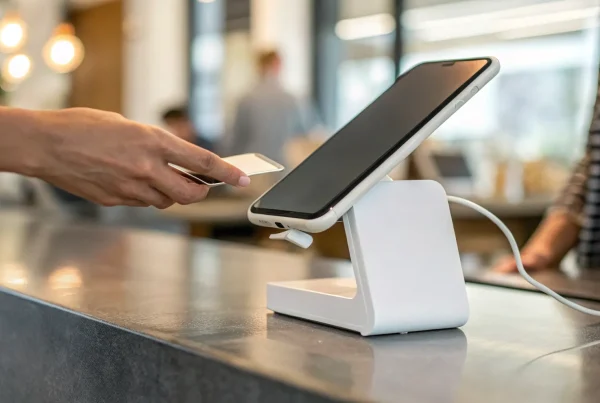
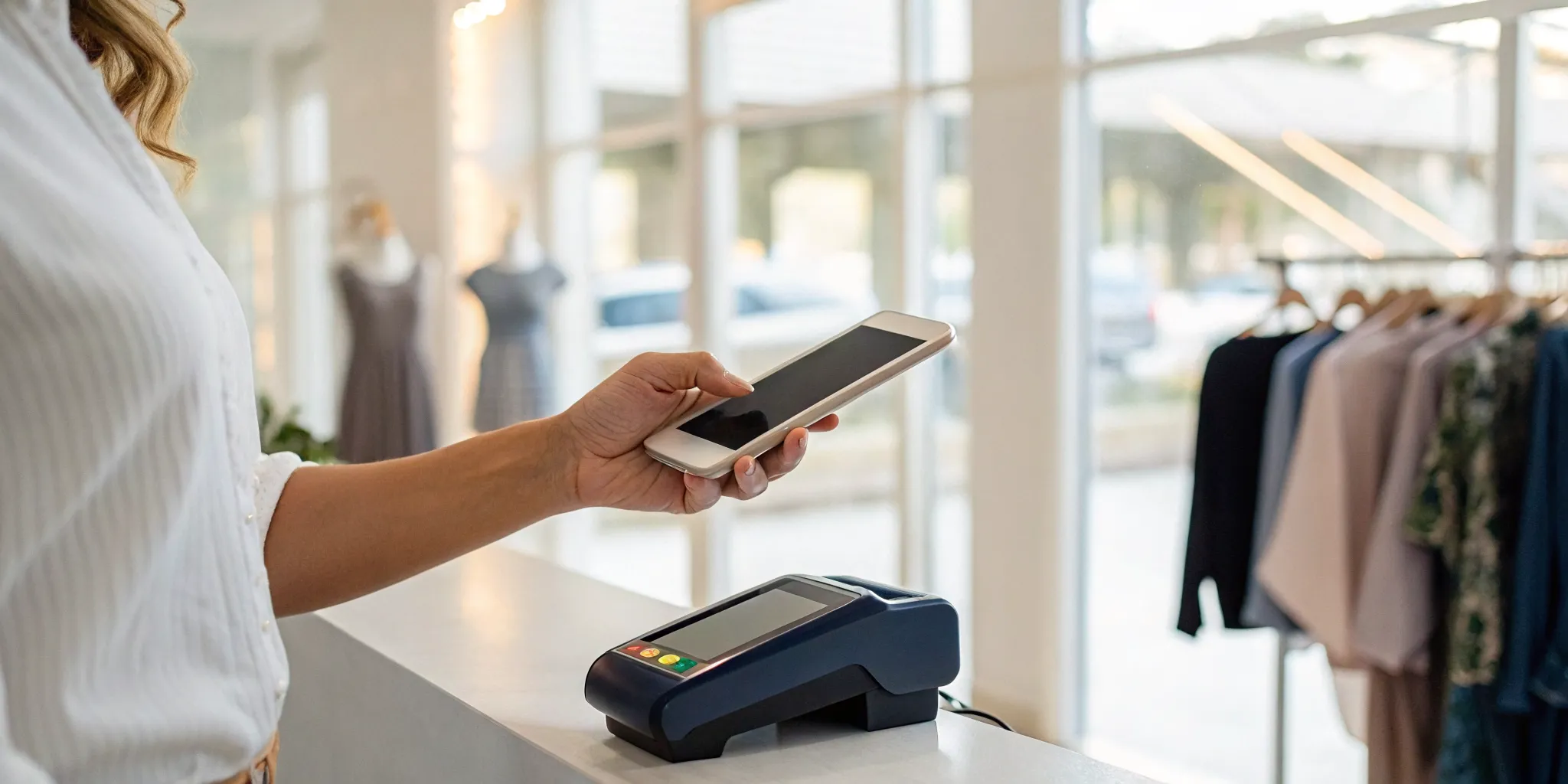
Using Tap to Pay on iPhone is incredibly straightforward. Once you have a compatible payment app set up, the process is simple. When a customer is ready to pay, you just open the app on your iPhone, enter the transaction amount, and present your phone to them. They then hold their contactless card or their own device (with a digital wallet) near the top of your iPhone, over the contactless symbol. In a few seconds, the payment is securely processed. That’s it. The technology uses your iPhone’s built-in Near Field Communication (NFC) reader to accept contactless payments without any extra gear, giving you a consistent and professional checkout experience anywhere you do business.
Tap to Pay vs. Apple Pay: What’s the Difference?
It’s easy to mix up Tap to Pay on iPhone and Apple Pay, but they play two different roles in a transaction. Think of it this way: Tap to Pay on iPhone is for the merchant. It’s the tool you use to accept a payment. Apple Pay, on the other hand, is for the customer. It’s a digital wallet they use to make a payment. So, a customer might use Apple Pay on their iPhone or Apple Watch to pay you, and you would use Tap to Pay on your iPhone to receive that payment. One is for taking money, and the other is for spending it. They work together to create a fast, secure, and hardware-free transaction.
What Do You Need to Use Tap to Pay on iPhone?
Getting started with Tap to Pay on iPhone is refreshingly simple, but you do need a few key things in place before you can start accepting payments. Think of it as a short checklist to get your business ready for a major upgrade. It’s all about having the right device, a solid connection, and the correct app to link everything together. Once you have these three components, you’ll be ready to turn your iPhone into a powerful and portable payment terminal. Let’s walk through exactly what you’ll need to begin.
The Right iPhone and iOS Version
First things first, you need a compatible device. This feature relies on the NFC (Near Field Communication) technology built into modern iPhones. To get started, you need an iPhone XS or a newer model running the latest version of iOS. It’s important to note that this functionality is specific to iPhones, so it won’t work on an iPad, even if you use an iPad as your main point-of-sale system. Keeping your iPhone’s software updated is also key, as Apple often includes security and performance improvements in new iOS releases that ensure the payment process remains smooth and secure for you and your customers.
A Stable Internet Connection and a Payment Processor
Next, you’ll need a reliable way to connect to the internet. Whether you’re using Wi-Fi in your shop or cellular data at a pop-up market, a stable connection is non-negotiable. Tap to Pay on iPhone processes transactions in real time, which means you cannot take offline payments with this method. This ensures that every payment is authorized instantly, reducing the risk of declines or fraud. Of course, you also need a payment processor, like us at MBNCard, to handle the transaction. Your processor provides the merchant account that securely routes the funds from your customer’s card to your business bank account.
A Business Account and a Compatible App
Finally, you’ll need a supported payment app on your iPhone. This is the software that enables the Tap to Pay functionality. As Apple explains, merchants just need to download a payment app that supports Tap to Pay from the App Store. Your payment solutions provider will guide you to the correct app that works with your merchant account. For many businesses already using a mobile payment app, the transition is seamless. For example, with some apps, there’s no additional application required; you simply activate the feature within the app you already use. This makes setup quick, letting you start accepting contactless payments in minutes.
How to Set Up Tap to Pay on iPhone
Getting started with Tap to Pay on iPhone is surprisingly simple. You don’t need to be a tech wizard or wait for special equipment to arrive. In just a few minutes, you can turn the iPhone you already have into a secure and professional payment terminal. The whole process breaks down into three easy steps: downloading the right app, connecting the feature, and running a quick test. Let’s walk through it together so you can start accepting payments right away.
Choose and Download a Compatible Payment App
Your first move is to get a payment app that supports Tap to Pay on iPhone. Think of this app as the command center for your transactions. If you already work with a payment processor like MBNCard, check to see if their mobile app includes this feature. If you’re just starting out, you can find a list of supported apps directly from Apple. Just head to the App Store on your iPhone, search for your chosen provider, and download their app. This is the software that will securely handle the payment information and connect everything to your business bank account.
Connect Tap to Pay in Your Processor’s App
Once you have the app installed and your business account linked, enabling Tap to Pay is usually just a few taps away. Open the app and look for an option like “Tap to Pay on iPhone” in the settings or main menu. After it’s enabled, you’re ready to take a payment. Simply enter the transaction amount and select the Tap to Pay option. Your iPhone will then display a screen showing the customer where to tap their card or device. All they have to do is hold their contactless card or phone over the contactless symbol on your screen to complete the sale. It’s a smooth and intuitive process for everyone involved.
Run a Test Transaction
Before you start accepting payments from customers, it’s a great idea to do a quick test run. This simple step ensures everything is working correctly and helps you get comfortable with the process. Open your payment app, ring up a small amount like $1.00, and use your own contactless card or digital wallet to pay. As the Square support center advises, wait for the confirmation checkmark and sound to know the payment was approved. This confirms that the funds are flowing to your account and lets you see exactly what your customers will experience, preventing any hiccups during a real sale.
What Payments Can You Accept with Tap to Pay?
One of the best things about Tap to Pay on iPhone is its flexibility. You’re no longer limited to just one way of getting paid. This technology opens the door to the most common and convenient payment methods your customers are already using. Whether they prefer to tap a physical card, use their smartphone, or pay with a smartwatch, you’ll be ready to make the sale. This versatility not only makes for a smoother checkout experience but also shows your customers that you’re running a modern, forward-thinking business. Let’s look at the specific types of payments you can accept.
Contactless Credit and Debit Cards
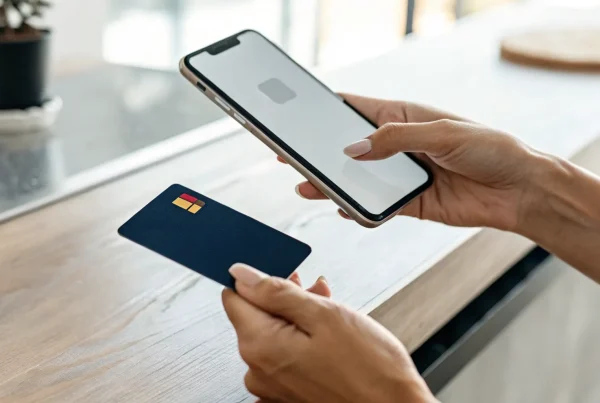
The most straightforward way to use Tap to Pay is by accepting contactless credit and debit cards. If your customer’s card has that little sideways Wi-Fi symbol on it, they can simply hold it near your iPhone to complete the purchase. It’s that easy. You don’t need a separate card reader or any clunky hardware. The transaction is quick, secure, and incredibly convenient for everyone involved. This means faster lines at your counter and a professional checkout process, even if you’re just starting out or selling on the go. It’s the same simple tap experience customers are used to at major retailers, now available right on your phone.
Digital Wallets Like Apple Pay and Google Pay
Beyond physical cards, Tap to Pay on iPhone seamlessly accepts payments from all major digital wallets. This includes Apple Pay, Google Pay, and Samsung Pay, which millions of people use every day. Your customers can pay using the device they already have in their hand: their smartphone or even their smartwatch. For many, this is the preferred way to pay since it’s fast and they don’t need to dig through a purse or wallet for a physical card. By accepting these payment methods, you cater to a growing number of tech-savvy shoppers and ensure you never miss a sale just because someone left their wallet at home.
International and Multi-Currency Payments
If your business serves tourists or you sell to customers around the world, you might be wondering about international payments. The availability of Tap to Pay on iPhone is expanding globally, making it easier to accept payments from international visitors. However, the ability to process transactions in different currencies depends on your payment processor. It’s a good idea to talk with your provider, like us at MBNCard, to see what multi-currency options are available for your account. As this feature becomes more widespread, it will create even more opportunities for businesses to serve a global customer base with the same simple tap.
How Secure Is Tap to Pay on iPhone?
When you’re handling customer payments, security is non-negotiable. So, it’s smart to ask: just how secure is Tap to Pay on iPhone? The good news is that Apple built this feature with multiple layers of robust security, using the same technology that makes Apple Pay a trusted payment method. From the moment a customer taps their card or phone, their information is protected through advanced encryption, privacy safeguards, and biometric verification. Let’s look at what these security features mean for you and your customers.
Encryption and Tokenization
Every payment you accept with Tap to Pay on iPhone is protected by powerful encryption and tokenization. Think of encryption as scrambling the payment data into an unreadable code the second it’s captured. This is the same strong security that protects Apple Pay. Tokenization then replaces the customer’s actual card number with a unique, one-time code for that specific transaction. This means sensitive card details are never stored on your device or Apple’s servers. In fact, Apple doesn’t even know what was purchased or who made the purchase, ensuring a private and secure process for everyone.
Customer Privacy and Data Protection
Protecting your customers’ privacy is just as important as securing their payment data. Tap to Pay on iPhone is designed to keep sensitive information completely private. When a customer enters their PIN on your screen, Apple automatically prevents anyone from taking screenshots or video recordings of the transaction. This simple feature ensures their PIN remains confidential. Furthermore, Apple does not save card numbers or PINs on its servers, which drastically reduces the risk of data breaches. By keeping this information off your device, you can assure customers their personal data is safe.
Biometric Security and Fraud Prevention
A huge security advantage comes from the customer’s end, especially when they pay with a digital wallet. To authorize a payment from their device, a customer must use Face ID, Touch ID, or their passcode. This biometric confirmation acts as a digital signature, proving the person making the purchase is the legitimate owner. For you as a merchant, this is a huge win for fraud prevention. If a customer’s phone is ever lost or stolen, a thief can’t make unauthorized purchases without the owner’s face or fingerprint. This significantly reduces the likelihood of fraudulent transactions and potential chargebacks.
The Costs and Benefits of Tap to Pay
When you’re considering any new tool for your business, the first question is always about the bottom line: what does it cost, and what do I get in return? Tap to Pay on iPhone is no different. The good news is that the benefits, like lower startup costs and incredible flexibility, often make it a smart financial decision. Let’s break down the costs and benefits so you can see if it fits your business.
Transaction Fees and Processing Costs
First, let’s be clear: Tap to Pay on iPhone isn’t a way to avoid processing fees. Just like with a traditional terminal, you’ll pay a standard transaction fee each time a customer pays. These rates are set by your payment processor, not by Apple, so the cost is the same as any other card-present transaction you run. You can accept payments from contactless credit and debit cards, plus digital wallets like Apple Pay and Google Pay, all at your regular processing rate. The technology simply changes how you accept the payment, not the fundamental cost of processing it.
Savings on Hardware and Operations
Here’s where you’ll find immediate savings. With Tap to Pay, your iPhone is the terminal. You don’t need to buy, rent, or lease any extra card readers or bulky hardware. This completely removes the upfront cost of a traditional POS system, which can save you hundreds of dollars right away. It also simplifies your daily operations. There’s no extra device to charge, troubleshoot, or carry around. For mobile businesses, pop-up shops, or anyone looking to streamline their checkout counter, this is a huge advantage. All you need is your phone and a compatible payment app.
New Sales Opportunities
The freedom to accept payments anywhere opens up a world of new sales opportunities. Are you a contractor finishing a job at a client’s house? You can get paid on the spot. Running a booth at a farmers market? Checkout is as simple as pulling out your phone. Even in a traditional retail store, you can use it to shorten lines during busy hours by having staff take payments on the floor. This mobility helps you create a smoother customer experience and capture sales you might have otherwise missed. It lets you meet your customers wherever they are, making the entire payment process seamless and convenient.
Is Tap to Pay on iPhone Right for Your Business?
Deciding on a new payment method can feel like a big step, but Tap to Pay on iPhone is designed to make the transition smooth. It’s all about giving you more flexibility without adding complexity. By looking at who benefits most, what small hurdles might appear, and how simple the setup is, you can see if this tool is the right fit for the way you do business. It’s a powerful option for merchants who want to meet customers where they are, turning a simple iPhone into a secure point of sale.
Who It’s For: Ideal Businesses and Use Cases
Tap to Pay on iPhone is a fantastic solution for businesses that are always on the move. Think about service providers like plumbers or personal trainers who work at a client’s location, or vendors at farmers’ markets and craft fairs. It’s also perfect for pop-up shops and food trucks that need a quick and reliable way to accept payments without bulky hardware. The main advantage is its mobility. You can accept contactless payments anywhere you have your iPhone and a connection, making every sale simple and professional, whether you’re in a brick-and-mortar store or at an outdoor event.
Common Challenges and How to Solve Them
Whenever you introduce new technology, it’s natural to have questions. A common concern is security, but you can rest easy. Tap to Pay on iPhone uses the same secure technology as traditional terminals, keeping every transaction encrypted and private. Another potential hurdle is getting it set up and integrated with your existing business tools. The key is to partner with a payment processor that makes it easy. Many providers, including us at MBNCard, offer streamlined apps and clear instructions to get you up and running in minutes, so you can focus on your customers instead of troubleshooting tech.
How to Get Started with MBNCard
Getting started with Tap to Pay on iPhone is straightforward. The first step is to partner with a provider that supports it, like MBNCard. Once you have an account, you simply download our compatible payment app from the App Store. From there, you’ll follow a few simple prompts inside the app to connect the Tap to Pay feature. There’s no extra hardware to order or complicated software to install. You can run a test transaction to see how it works, and just like that, you’re ready to begin accepting payments right away. We’ve made the process as seamless as possible so you can focus on your business.
Related Articles
Frequently Asked Questions
Do I have to pay extra fees to Apple for using Tap to Pay on iPhone? No, you don’t. Apple does not charge any additional fees for using this feature. The only costs involved are the standard transaction rates set by your payment processor, just like you would pay with a traditional card terminal. Think of Tap to Pay on iPhone as the vehicle for the transaction; the processing fees are the fuel, and those come from your merchant services provider.
What happens if my customer’s card isn’t contactless? Tap to Pay on iPhone is designed exclusively for contactless payment methods. This includes physical cards with the tap-to-pay symbol and digital wallets like Apple Pay or Google Pay. If a customer wants to pay with a traditional chip or magnetic stripe card, this specific feature won’t work. For those situations, you would need a separate mobile card reader to complete the sale.
Can I use this feature on my iPad? Unfortunately, no. This technology is currently available only on compatible iPhones, specifically the iPhone XS and any newer models. Even if you use an iPad as your main point-of-sale system, you cannot use it to accept payments with Tap to Pay. The feature relies on the specific NFC hardware built into the iPhone.
Will this work if I lose my internet connection? A stable internet connection, either through Wi-Fi or cellular data, is essential for Tap to Pay on iPhone to work. The system processes transactions in real time to authorize funds instantly, which helps protect you from declined payments. It does not have an offline mode, so you cannot accept a payment and process it later.
How is this different from just using a small card reader dongle? The main difference is simplicity and professionalism. With Tap to Pay on iPhone, you don’t need any extra hardware at all. There’s no dongle to keep charged, no device to pair with Bluetooth, and nothing extra to carry around. Your phone is the complete, all-in-one terminal, which streamlines your checkout process and reduces the number of things you have to manage.