Your business isn’t stuck behind a counter, so why should your payment system be? For service professionals, mobile vendors, and freelancers, the ability to get paid on the spot is a game-changer for cash flow. Chasing down invoices and waiting for checks to clear is an inefficient way to run a modern company. A credit card swiper for phone gives you the freedom to close a deal and process a payment in the same conversation. This small, portable tool ensures you get your money quickly and provides a seamless, professional experience for your clients. This guide will walk you through everything you need to know.
Key Takeaways
- Modern payments are non-negotiable: To protect your business from fraud and offer a smooth checkout, your reader must accept chip cards (EMV) and contactless payments (NFC), not just magstripes.
- Understand the true cost: The price of the reader is far less important than the transaction fees you will pay on every sale. Look for a provider with clear, transparent pricing to protect your profit margin.
- Think beyond the transaction: A great mobile reader works with your other business tools. Make sure it integrates with your point-of-sale or accounting software to save time and get a clearer picture of your business performance.
What Is a Credit Card Reader for Your Phone?
Think of a credit card reader for your phone as a mini, portable terminal that turns your smartphone or tablet into a complete payment processing system. It’s a small, physical device that connects to your phone, allowing you to accept credit and debit card payments from anywhere. Whether you’re a plumber finishing a job, a jeweler at a craft fair, or a food truck owner in a busy park, this little gadget lets you get paid on the spot.
Gone are the days of telling customers “cash only” or dealing with the hassle of sending invoices and waiting for checks. A mobile reader gives your business a professional edge and makes the checkout process seamless for your customers. It’s a simple, powerful tool that meets customers where they are. Most modern readers are designed to handle all kinds of payments, from the traditional swipe to the latest tap-to-pay options. Before you can choose the right one, it helps to understand the different ways they work.
The Three Main Types:
Magstripe (the classic swipe)
You’ve seen these a million times. A magstripe reader is the most basic type, reading the data from the magnetic stripe on the back of a credit card when you swipe it. While they are simple to use, they are also the least secure form of card payment. Because of this, the rules around fraud have changed. If a customer gives you a chip card and you swipe it instead of using a chip reader, your business could be held liable for any fraudulent charges. This is part of the industry-wide EMV liability shift designed to encourage more secure payments.
EMV (the secure chip)
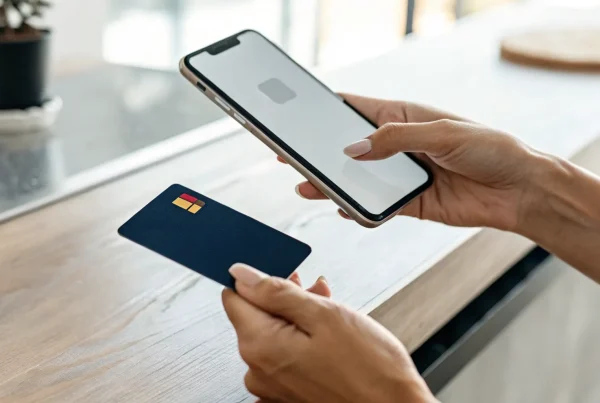
The small, metallic square on the front of modern credit cards is a microchip, and an EMV reader is what you need to read it. Instead of swiping, the customer “dips” their card into the reader, leaving it in place for a few seconds. During that time, the chip and the reader work together to create a unique, one-time code for the transaction. This process makes the card data incredibly difficult for fraudsters to steal and clone. Accepting EMV chip cards is the current security standard for in-person payments. Using an EMV-capable reader is one of the most important steps you can take to protect your business from the financial and reputational costs of fraud.
Contactless (the quick tap)
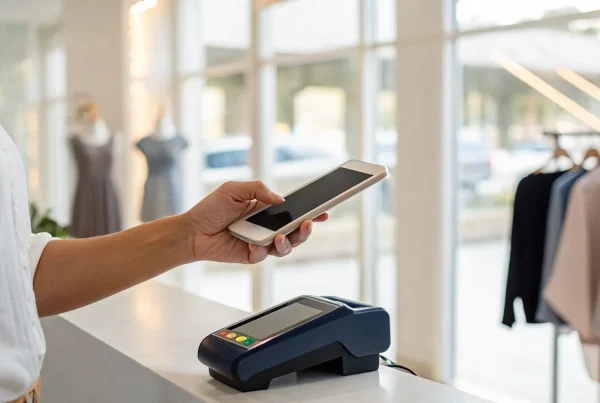
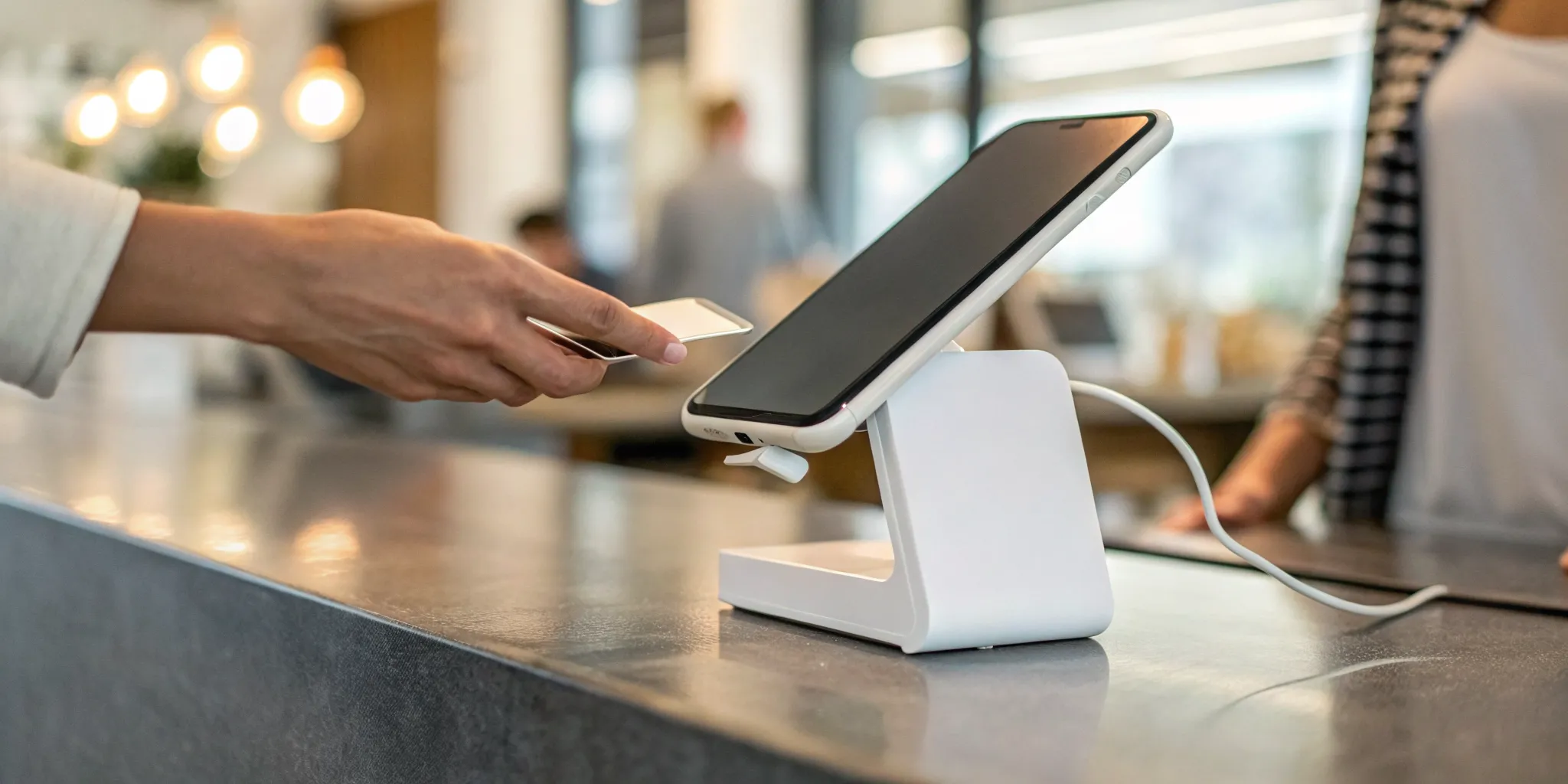
Contactless payments are the fastest and most convenient way to pay. This technology, also known as Near Field Communication (NFC), allows customers to simply tap their card or phone near the reader to complete a sale. It includes physical cards that have the little four-curved-line symbol and mobile wallets like Apple Pay, Google Pay, and Samsung Pay. For customers, it’s a quick, clean, and secure experience. For your business, it means shorter lines and happier customers. As more people adopt mobile wallets, offering contactless payments is becoming less of a bonus feature and more of a customer expectation. It shows you’re running a modern, efficient business.
How to Choose the Right Mobile Card Reader
Picking the right mobile card reader feels a lot like choosing any other essential business tool. It’s not about finding a one-size-fits-all solution, but about finding the perfect fit for your specific needs. The best device for a bustling coffee shop will be different from what a freelance photographer needs for occasional client payments. You’ll want to think about the types of payments you accept, where you do business, and how the reader connects with the other tools you use to run your company. Let’s walk through the key factors to consider so you can make a choice with confidence.
Check for iOS and Android Compatibility
First things first, you need to make sure the card reader will actually work with your smartphone or tablet. This might seem obvious, but it’s a fundamental first step. Most mobile readers are designed to be compatible with both Apple (iOS) and Android devices, connecting either through the headphone jack, charging port, or wirelessly via Bluetooth. Before you get attached to a specific model, double-check its product specifications. A quick look at the compatibility list on the provider’s website can save you the headache of returning a device that won’t connect to your phone.
Accept All Payment Types: Swipe, Chip, and Tap
To give your customers a smooth checkout experience, you need a reader that can handle how they want to pay. While basic readers might only accept a magnetic stripe swipe, modern commerce demands more. Look for an all-in-one device that processes EMV chip cards (the “dip”) and contactless payments (the “tap”). Accepting NFC payments like Apple Pay and Google Pay isn’t just a nice-to-have anymore; it’s a fast, secure, and convenient option that many customers now expect. A versatile reader shows your business is current and customer-focused.
Understand the Fees and Pricing
Let’s talk about the cost. Mobile card reader pricing isn’t just about the upfront cost of the device, which is often low or even free. The real cost lies in the transaction fees. You’ll typically see a percentage-based fee plus a small flat fee for each transaction. It’s crucial to find a provider with transparent pricing and no long-term contracts or hidden monthly charges. At MBNCard, we also offer programs like cash discounting, which can help you significantly reduce or even eliminate your credit card processing fees, putting more money back into your business.
Prioritize Security and Encryption
When you’re handling customer payment information, security is non-negotiable. A reliable mobile card reader must encrypt transaction data from the moment the card is swiped, dipped, or tapped. This process protects sensitive information from potential fraud. Your payment provider should also be a partner in security, offering support for PCI compliance, active fraud protection, and assistance with payment disputes. This ensures both you and your customers can feel confident in every transaction. Choosing a secure reader isn’t just a best practice; it’s essential for building trust and protecting your business.
Look for an Offline Mode for Spotty Connections
If you sell at farmers markets, trade shows, or any location with unreliable internet, an offline mode is a lifesaver. This feature allows you to continue accepting card payments even when your phone or tablet loses its Wi-Fi or cellular connection. The reader securely stores the transaction details and automatically processes the payments as soon as you’re back online. Without it, a spotty connection could mean lost sales. An offline mode provides peace of mind and ensures you never have to turn a customer away because of a bad signal.
Consider Battery Life and Portability
A mobile card reader should be, well, mobile. Its design should make it easy to do business anywhere. Some readers plug directly into your phone and don’t require their own battery, making them incredibly simple and always ready to go. Others connect via Bluetooth and have a rechargeable battery. If you choose a Bluetooth model, check its expected battery life. You need a device that can last through your busiest days without needing a charge. Its size and weight also matter; it should be compact enough to slip into a pocket or bag without hassle.
Ensure It Integrates with Your POS and Other Tools
Your card reader is just one part of your sales ecosystem. For maximum efficiency, it should integrate seamlessly with your point-of-sale (POS) software. This connection allows you to manage inventory, track sales data, and build customer profiles all in one place, eliminating the need for manual data entry. Beyond your POS, check for integrations with other essential business software, such as your accounting platform or marketing tools. A well-integrated system streamlines your operations, saves you time, and provides a clearer picture of your business performance.
A Look at Popular Mobile Card Readers
Once you have your checklist of must-have features, it’s time for the fun part: shopping around. The mobile reader market has some fantastic options, each with its own unique strengths. To make it easier, I’ve broken down four of the most popular choices for small businesses. Think about your daily operations, your sales volume, and what kind of experience you want to create for your customers as you read through these. Let’s find the perfect fit for your business.
1. MBNCard
If you’re looking for a versatile workhorse, MBNCard is a fantastic place to start. This reader is designed to handle just about anything you throw at it, accepting credit cards, debit cards, and mobile wallet payments like Apple Pay. What I really appreciate is its straightforward, user-friendly interface, which makes training yourself or your team a breeze. Beyond just taking payments, it comes packed with features that are incredibly helpful for running your business, like simple inventory management and clear sales reporting. It’s a powerful, all-in-one solution that grows with you, perfect for business owners who want robust features without a steep learning curve.
2. Square
You’ve almost certainly seen a Square reader in the wild, and for good reason. It’s one of the most recognizable names in mobile payments, known for its simplicity and ease of use. Square gets you started with a free magstripe reader that plugs right into your phone or tablet, making it incredibly accessible for new businesses or pop-ups. Their pricing is transparent, which helps you avoid surprise fees. The app itself is more than just a payment tool; it offers solid analytics to track your sales, invoicing features, and connects smoothly with many popular e-commerce platforms, making it a strong contender for small businesses everywhere.
3. PayPal Zettle
For anyone who already runs their business using PayPal, Zettle is a natural fit. Formerly known as PayPal Here, the PayPal Zettle reader integrates seamlessly with your existing PayPal business account, keeping all your online and in-person revenue in one place. This makes bookkeeping so much simpler. It accepts all the standard payment types, including credit cards and contactless payments, at competitive rates. The system also includes practical tools for tracking your sales and managing your inventory right from the app. If you’re a loyal PayPal user, this is definitely an option worth exploring to unify your payment ecosystem.
4. Shopify POS
If you run an online store on Shopify, the Shopify POS system is a game-changer for expanding into in-person sales. It’s designed to create a completely unified experience between your e-commerce site and your physical retail space. This means your inventory, sales data, and customer information are all synced in one dashboard, which prevents overselling and gives you a holistic view of your business. You can accept payments anywhere with their mobile card reader, whether you’re at a market, a pop-up, or a permanent storefront. For Shopify merchants, this integration is the key advantage, turning two separate sales channels into one cohesive operation.
A Side-by-Side Comparison
Choosing the right mobile card reader can feel overwhelming, but it really comes down to what your business needs most. While many options look similar on the surface, they differ in key areas that can impact your daily operations and your bottom line. To help you make a clear choice, we’re breaking down the four most important factors: features and ease of use, transaction fees, security, and reporting capabilities.
Think of this as your guide to cutting through the marketing noise. We’ll compare what popular providers like Square, PayPal, Shopify, and MBNCard bring to the table in each category. Whether you prioritize simplicity, low costs, or powerful analytics, this comparison will help you identify the perfect partner for your payment processing. By looking at these elements side-by-side, you can confidently select a solution that not only accepts payments but also supports your business’s growth.
Features and Ease of Use
Your card reader should make your life easier, not more complicated. Most modern readers are small, portable, and connect to your phone or tablet via Bluetooth or a headphone jack. The best options let you accept all kinds of payments, including traditional magstripe swipes, secure EMV chips, and quick contactless taps (NFC).
Setup is usually straightforward: you download an app, connect the device, and you’re ready to start selling. For example, Square’s classic reader simply plugs into your phone’s audio jack or Lightning port. The goal is to get you up and running in minutes. Before you commit, just double-check that the reader and its app are compatible with your specific smartphone or tablet, whether it’s an Apple or Android device.
Transaction Fees and Overall Cost
This is where things can get tricky, so it’s important to pay close attention. The cost of a mobile card reader involves two parts: the price of the hardware and the transaction fees you’ll pay on every sale. Hardware can range from free or under $50 for a basic swiper to several hundred dollars for a more advanced terminal.
However, the real cost lies in the fees. Many providers, like Square, use a flat-rate model, charging something like 2.6% + 15¢ for each tapped, dipped, or swiped transaction. While simple, this isn’t always the cheapest option, especially for businesses with higher sales volumes. It’s worth exploring providers that offer more customized interchange plus pricing, which can lead to significant savings over time.
Security Features
When you’re handling customer payment information, security is non-negotiable. Any reputable mobile card reader will use point-to-point encryption, which scrambles card data the moment it’s captured by the device. This ensures that sensitive information is never stored on your phone or in the reader itself, protecting you and your customers from fraud.
Beyond encryption, look for a provider that is PCI compliant and offers additional security services. Many top-tier processors include fraud monitoring and dispute management support at no extra cost. This gives you peace of mind, knowing you have a partner helping you handle chargebacks and protect your revenue. Don’t be afraid to ask a potential provider about their specific security protocols before signing up.
Reporting and Analytics
A great mobile payment system does more than just process transactions; it gives you insights to help you run your business better. The accompanying app should provide you with robust reporting and analytics tools. At a basic level, you should be able to track your daily sales, view transaction histories, and issue refunds easily.
More advanced systems offer features like inventory management, customer directories, and detailed sales reports that show you which products are most popular. This data is incredibly valuable for making informed decisions about stock, marketing, and overall business strategy. When comparing options, consider what sales analytics are most important for your growth and choose a provider whose tools can grow with you.
The Pros and Cons of Using a Phone Card Reader
Using your phone to take payments sounds like a dream, right? It’s modern, convenient, and can make your business look incredibly professional. And for many businesses, it is a fantastic solution. But like anything, it’s not a one-size-fits-all answer. It’s smart to weigh the good against the not-so-good before you commit. Let’s break down what you can expect.
The Upside: Affordability, Speed, and Flexibility
The biggest win here is how easy and affordable it is to get started. Many companies offer a basic card reader for free or at a very low cost, which is a huge help when you’re watching every penny. You can be up and running in minutes: just download an app, plug in the reader, and you’re ready to make your first sale. This speed extends to your cash flow, too, with many services offering fast deposits that land in your bank account as soon as the next business day. Plus, the flexibility is unmatched. You can take payments anywhere, whether you’re at a craft fair, a client’s house, or a pop-up event.
The Downside: Fees, Tech Dependence, and Limitations
Now for the reality check. While the reader itself might be cheap, you’ll pay a transaction fee on every single sale. These fees are typically a small percentage plus a few cents per transaction, but they can add up and eat into your profits over time. You’re also completely dependent on your tech. If your phone battery dies, you lose your internet connection, or the app has a glitch, you can’t process payments. It’s crucial to have a backup plan, like a portable charger. Finally, the most basic readers often have significant limitations. A free magstripe-only reader won’t accept more secure chip cards or convenient tap-to-pay options, which can frustrate customers and make your business seem outdated.
Is a Mobile Card Reader Right for Your Business?
Deciding to use a mobile card reader really comes down to how and where you do business. While a traditional countertop terminal is perfect for some, it can be limiting for others. If your business involves moving around, whether it’s on a job site, at a local market, or even just around your own shop floor, a mobile reader can be a game-changer. It transforms your smartphone or tablet into a portable point-of-sale system, giving you the power to accept payments from customers anywhere. For many modern businesses, this flexibility isn’t just a nice-to-have feature; it’s an essential tool for capturing sales, improving customer experience, and managing cash flow effectively. Let’s look at a few business types that benefit the most from this technology.
Perfect for Retail and Pop-Up Shops
If you run a retail store or a pop-up shop, a mobile card reader gives you incredible freedom. You’re no longer tied to a single cash register. Instead, you can help a customer and check them out right on the sales floor, which is a great way to prevent long lines and create a more personal shopping experience. For businesses that sell at farmers’ markets, craft fairs, or trade shows, a mobile reader is a must. It allows you to make sales on the spot without missing a beat. It’s no wonder that certain brands have become so popular for mobile payment processing, as they give businesses the power to operate in these dynamic environments.
Ideal for Service-Based Businesses on the Go
For service professionals who work at a client’s location, a mobile card reader is a total game-changer for getting paid. Think about plumbers, electricians, personal trainers, landscapers, or photographers. Instead of sending an invoice and waiting for a check, you can complete the job and get paid immediately. This simple shift dramatically improves your cash flow. These straightforward devices plug directly into your phone or tablet, allowing you to accept credit card payments by swiping, dipping, or tapping a card. It looks professional, it’s convenient for your customer, and it ensures you don’t have to chase down payments after you’ve already done the work. It’s a win-win for everyone involved.
A Must-Have for Freelancers and Mobile Vendors
As a freelancer, consultant, or mobile vendor, your office is wherever you are. A mobile card reader fits right into that flexible lifestyle. It removes the friction of getting paid by allowing you to close a deal and process a payment in the same conversation. Many of these readers are incredibly small, simple to use, and don’t require their own battery charge, so they are always ready to go when you are. Carrying one means you can confidently sell your products or services at a moment’s notice, whether you’re at a coffee shop meeting or an industry event. It adds a layer of professionalism and makes it easy for clients to pay you, which is key to growing your independent business.
Related Articles
Frequently Asked Questions
How much will a mobile card reader actually cost my business? The cost has two parts: the price of the reader itself and the fees for each transaction. The physical reader is often inexpensive or even free, but the real cost is in the processing fees. Many providers charge a flat percentage plus a few cents on every sale. While simple, this may not be the most affordable option as your sales grow. It’s worth looking for a provider that offers transparent pricing or programs like cash discounting, which can help you reduce or eliminate your processing fees.
Is it really safe to process payments on my personal phone? Yes, it is very safe as long as you choose a reputable provider. Modern card readers use point-to-point encryption, which means the customer’s card information is scrambled into a secure code the moment it is tapped, dipped, or swiped. This protected data is sent directly for processing and is never stored on your phone or the reader. This process is key to maintaining PCI compliance and protecting your business and your customers from fraud.
What happens if I lose my internet connection during a sale? This is a common concern for mobile businesses, and it’s why choosing a reader with an offline mode is so important. This feature allows you to continue accepting card payments even without a Wi-Fi or cellular signal. The reader securely stores the transaction details and then automatically processes them as soon as you reconnect to the internet. An offline mode ensures you never have to turn a customer away due to a bad connection.
Do I need a special bank account to use a mobile card reader? You don’t need a special type of account, but it is a very good idea to have a dedicated business checking account. You will link this account to your payment processor to receive your deposits. Keeping your business finances separate from your personal money makes bookkeeping much easier and simplifies things greatly when it’s time to file your taxes. It’s a foundational step for running a professional operation.
With so many options, how do I pick the right one? The best way to choose is to focus on your specific business needs. First, consider your sales volume. A business with high volume might save more with a custom pricing plan than with a standard flat rate. Next, think about where you sell. If you’re often at markets or on job sites, features like a long battery life and an offline mode are essential. Finally, look at integrations. A reader that works smoothly with your existing accounting or e-commerce software will save you valuable time.